
A WPM test typing score improves faster when you design each session around transfer, not just peak speed. The practical structure is simple: short calibration, controlled benchmark rounds, then a transfer block that uses realistic text. This sequence gives you measurable improvement without inflating scores through easy passages or repeated retries.
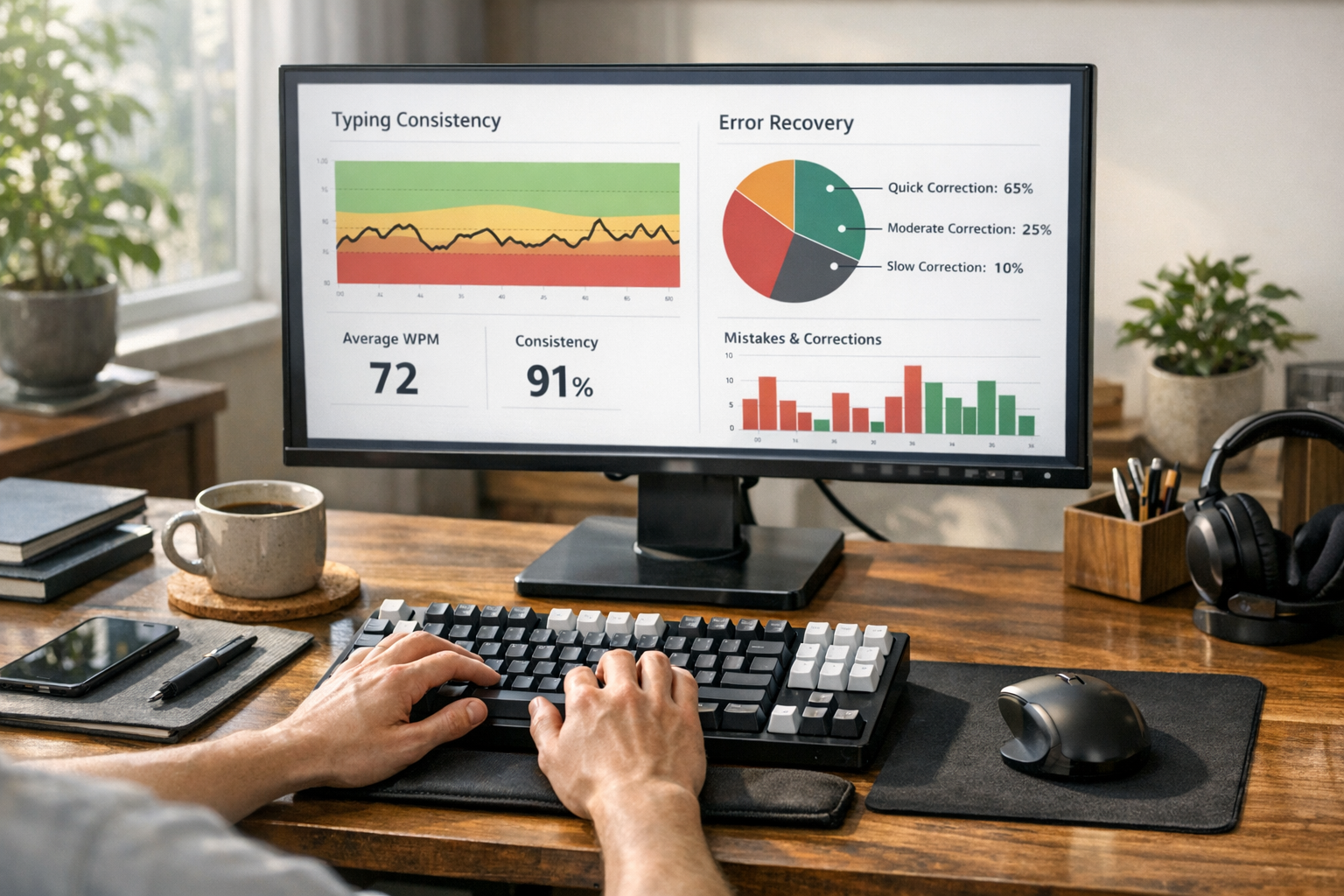
Most people run a few typing tests, take the best number, and move on. That works for entertainment; it fails as a training system. A single top score hides the parts that actually matter for daily output: correction cost, restart rhythm after mistakes, and consistency across different passage types.
A better WPM test typing workflow answers three questions every session:
- how quickly do you stabilize after warmup,
- how repeatable is your benchmark pace,
- how much of that pace survives in realistic writing.
If you have not built a baseline yet, start with Type Speed Test Baseline Routine: Measure Real Progress Before You Train. If your scores collapse after typo chains, pair this guide with Typing Speed Test Error Recovery: The Metric That Predicts Real Writing Throughput. If your scores vary by test length, normalize first using Typing Test WPM: Normalize Scores Across Duration and Difficulty.
# What a WPM test typing session should optimize
A useful session should optimize for usable words per minute, not only raw words per minute. Usable speed means pace that holds while accuracy remains high and correction overhead stays low.
You can track this with three core metrics:
- benchmark median WPM,
- accuracy floor,
- transfer retention ratio.
Transfer retention is the bridge between test performance and real output.
Transfer retention ratio = transfer WPM / benchmark median WPM
If this ratio falls while raw WPM rises, your plan is overfitting to test passages.
This aligns with broader measurement practice in performance domains. Repeated samples and robust central tendency measures produce more reliable decisions than best effort snapshots (NIST Engineering Statistics Handbook (opens new window)). Motor learning literature also supports training that emphasizes stable control and error handling over occasional speed bursts (NIH motor learning overview (opens new window)).
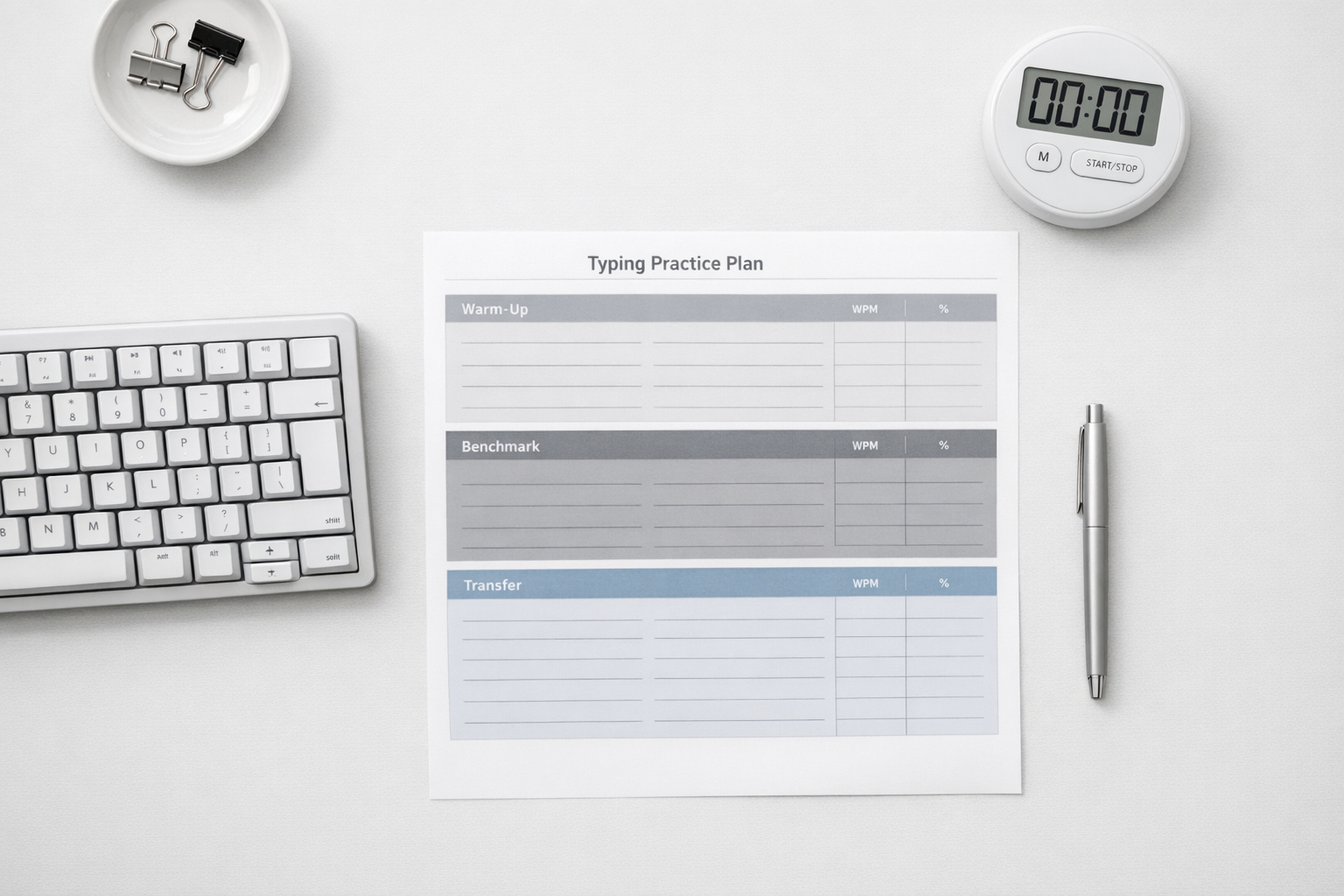
# The session design: one 25 minute WPM test typing block
This format is long enough for signal quality and short enough to run daily.
# Block 1: calibration, 5 minutes
Run two 30 second rounds at moderate pace. You are checking readiness, not setting records.
Log:
- round 1 WPM and accuracy,
- round 2 WPM and accuracy,
- warmup delta.
Warmup delta formula:
Warmup delta = round 2 WPM - round 1 WPM
A large warmup delta means your first score of the day is noisy. In that case, avoid using first run numbers for trend analysis.
# Block 2: benchmark set, 12 minutes
Run three 60 second rounds with fixed settings:
- same keyboard,
- same layout,
- same language profile,
- similar text difficulty.
Use the median of the three rounds as your benchmark value for the day. Median limits the impact of one bad correction chain or one unusually easy passage.
# Block 3: transfer set, 6 minutes
Type one short real world paragraph and one punctuation heavy paragraph. These should resemble your actual typing load.
For many users, that means:
- message or email style prose,
- markdown notes or documentation,
- short code adjacent snippets where symbols and numbers appear.
Track transfer WPM and transfer accuracy separately from benchmark metrics.
# Block 4: review and decision, 2 minutes
Write one short decision note:
- keep current drill,
- reduce target pace,
- increase precision work,
- adjust passage mix.
One sentence is enough. The value is continuity across sessions.
# Decision table: choose the right next action from your WPM test typing data
| Pattern in your week data | Likely cause | Next action | Review window |
|---|---|---|---|
| Benchmark median up, transfer retention down | Passage specific overtraining | Add two realistic transfer passages per session | 1 week |
| Raw WPM up, accuracy below floor | Pace target set too high | Lower target pace by 2 to 3 WPM for five sessions | 5 sessions |
| Accuracy stable, correction time rising | Restart hesitation after errors | Add post error restart drills with fixed tempo | 1 week |
| Warmup delta remains large daily | Inconsistent readiness state | Add same pre session routine and fixed start time | 7 sessions |
| Benchmarks flat, transfer flat, low variance | Stimulus too narrow | Rotate text difficulty and punctuation density | 1 week |
Use one intervention at a time. Multi variable changes feel productive and destroy attribution.
# How to keep your WPM test typing data clean
Measurement quality sets the ceiling for training quality. You can improve fast with average drills and clean data. You will struggle with perfect drills and noisy data.
Keep this protocol stable during each review cycle:
- fixed run durations,
- fixed device and layout,
- fixed session time window when possible,
- fixed retry rules,
- fixed logging format.
Practical logging fields:
- date and time,
- device and layout,
- each run WPM,
- each run accuracy,
- correction note,
- benchmark median,
- transfer retention ratio.
If you use firmware tuned boards, note any changes to debounce or polling settings before the session. Firmware docs from QMK (opens new window) are useful for setting references, and workstation guidance from OSHA computer workstation recommendations (opens new window) helps keep posture variables from skewing trends.
# A worked week with the same WPM test typing structure
Here is a realistic example using five sessions.
Starting values:
- benchmark median: 64 WPM,
- benchmark accuracy: 97.1 percent,
- transfer WPM: 56,
- transfer retention ratio: 0.88,
- correction load: 0.17.
Week target:
- benchmark median to 65,
- keep accuracy at or above 97,
- transfer retention to 0.91,
- correction load to 0.14.
Intervention selected:
- keep calibration and benchmark unchanged,
- add a two minute restart drill between benchmark and transfer blocks,
- add one punctuation heavy transfer paragraph each session.
Week outcome:
- benchmark median: 65,
- benchmark accuracy: 97.3 percent,
- transfer WPM: 59,
- transfer retention ratio: 0.91,
- correction load: 0.14.
This result is useful because gains appeared in both benchmark and transfer blocks while accuracy stayed above floor.
# Common WPM test typing mistakes that block progress
# Mistake 1: selecting best runs only
When poor runs disappear from your log, trends become fictional. Keep all runs and use robust summary metrics.
# Mistake 2: changing keyboard and drill plan together
If both change in the same week, you cannot tell what caused the improvement or regression.
# Mistake 3: repeating one passage style
Repeated exposure can inflate scores through familiarity. Rotate text pools and track difficulty labels.
# Mistake 4: using one global target for every context
Typing in chat, coding notes, and documentation have different symbol density and rhythm demands. Task aligned targets work better. For role based goal setting, see WPM Typing Test Benchmarks by Task: Set Targets That Match Real Work.
# Mistake 5: treating speed and accuracy as separate projects
Speed and precision interact on every keystroke. Training one while ignoring the other slows total output growth.
# Session checklist you can run in under a minute
Use this before you start:
- keyboard and layout match previous sessions,
- no hardware setting changes since last decision day,
- planned block durations are fixed,
- logging sheet is open,
- retry rule is predefined,
- transfer passage is prepared.
This checklist keeps the session comparable, which keeps your review decisions reliable.
# How to scale this system for two sessions per day
If you want faster iteration, add a second session only after one week of clean daily data.
Use a split schedule:
- morning session focuses on benchmark quality,
- late session focuses on transfer quality.
Compare medians by session slot, not by calendar day totals. This helps separate readiness effects from training effects.
Stop adding volume when any of these appear:
- sustained accuracy drop below floor for three sessions,
- higher correction load without benchmark gain,
- rising warmup delta despite fixed routine.
At that point, reduce volume and tighten data quality.
# How this topic differs from a generic words per minute test guide
General words per minute test content usually explains what WPM means and gives broad tips. You already have that baseline in Words Per Minute Test: How to Measure Real Typing Speed That Transfers to Work. This article focuses on session design and decision logic for ongoing training.
The difference is operational:
- each block has a clear measurement purpose,
- each metric maps to a training decision,
- each week ends with one controlled intervention.
That is what turns WPM test typing from occasional scoring into a repeatable improvement loop.
# Build your next week around transfer, then tune pace
A WPM test typing system works when every session produces data you can act on. Run short calibration rounds, collect benchmark medians, and verify transfer with realistic text. Keep accuracy floors explicit and adjust one variable per review window. This approach gives steady gains that survive outside test passages, which is the only speed improvement that matters in real work.