
A typing speed test improves fastest when you measure what happens after mistakes, not only how fast you type before them. Error recovery is the time between an error event and your return to stable rhythm. If that recovery window is long, your words per minute test score looks acceptable in short bursts but your real writing throughput stays flat. Track recovery time beside WPM and accuracy, then train the specific transition that costs you speed.

Most typists already track pace and accuracy. The missing metric is transition cost. One wrong key can trigger a pause, a correction sequence, and a rhythm reset that lasts several seconds. Across a 60 second run, repeated resets can erase more output than a small raw speed difference.
If your scores vary hard between runs, start with Type Speed Test Baseline Routine: Measure Real Progress Before You Train. If you compare runs across different durations, use Typing Test WPM: Normalize Scores Across Duration and Difficulty. If you still see stalled progress after stable measurement, this recovery model gives you the next lever.
# Why error recovery belongs in every typing speed test log
Typing output is a loop: key execution, error detection, correction, and rhythm restoration. Typical logs collapse that loop into a single WPM value. That hides where throughput is lost.
You can model run output with three components:
- base pace during clean sequences,
- error frequency,
- average recovery duration per error.
When base pace is already decent, lowering recovery duration usually gives a faster gain than pushing raw speed. This pattern aligns with motor learning principles: smoother transitions improve performance stability more reliably than forcing maximal tempo (NIH motor learning overview (opens new window)).
In practical terms, two typists can both score 72 raw WPM during clean text chunks. The typist who returns to rhythm in 1.1 seconds after each error will finish with higher usable output than the typist who needs 2.4 seconds.
# The three recovery phases you can observe without special tools
You do not need low level key telemetry to improve this. A simple run review is enough.
Phase 1 is detection delay. This is the gap from wrong keypress to when you notice it. Phase 2 is correction execution. This includes backspace sequence and replacement. Phase 3 is rhythm reacquisition. This is the period where speed climbs back to normal.
Most training plans target phase 2 only. In real runs, phase 3 often costs more time. You fixed the typo, but your cadence stays disrupted for the next phrase.
To observe this, run three 60 second tests and note timestamps where rhythm visibly drops after an error. You will see clusters. Those clusters usually map to one of three issues:
- delayed visual detection on dense text,
- overcorrection behavior with repeated backspaces,
- hesitation on restart after correction.
Each issue needs a different drill.
# A practical scoring model for typing speed test sessions
Add one metric to your existing log: recovery seconds per error event. Keep the method simple so you can maintain it daily.
For each run, record:
- WPM,
- accuracy,
- error count,
- total recovery seconds.
Then compute:
Recovery Load = total recovery seconds / run duration
In a 60 second run, a recovery load of 0.18 means 18 percent of the run was spent in error handling transitions.
Also compute:
Recovery Seconds per Error = total recovery seconds / error count
These two values separate different failure modes. High load with few errors means each error is expensive. High load with many errors means detection or precision is the main bottleneck.
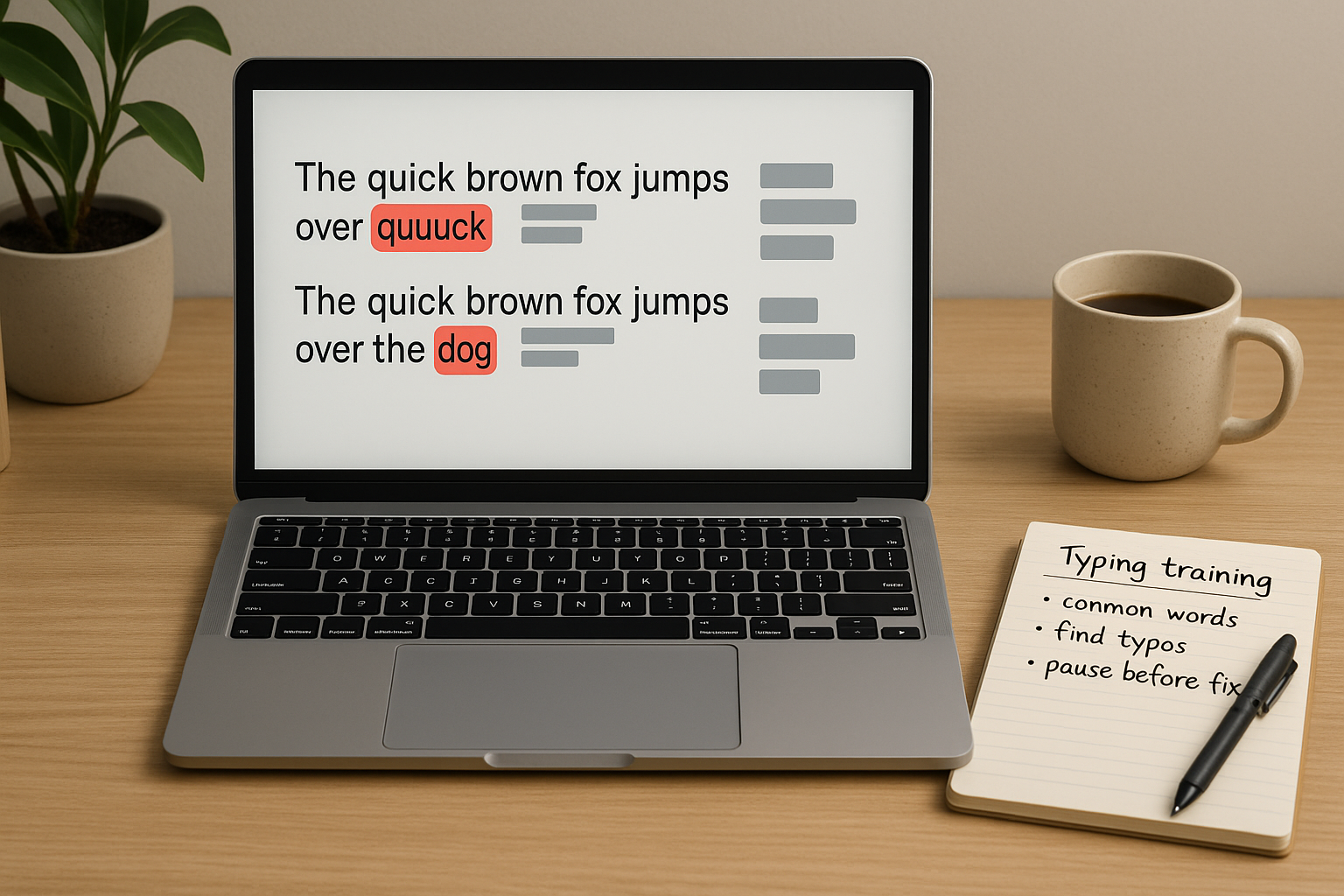
# Decision table: choose the right intervention from your recovery data
| Run pattern | Likely bottleneck | First intervention | Recheck window |
|---|---|---|---|
| Accuracy high, recovery seconds per error above 2.0 | Rhythm reacquisition | Restart cadence drill with short phrase ramps | 5 sessions |
| Accuracy below target, error count high, recovery per error moderate | Precision under speed pressure | Reduce pace target by 3 to 5 WPM and run accuracy blocks | 1 week |
| Error count low, recovery load still high | Overcorrection behavior | Single correction rule and no multi backspace bursts | 5 sessions |
| Good first half, heavy slowdown in second half | Fatigue or attention drop | Split sessions and add mid run reset cue | 1 week |
| Recovery metrics improve but WPM flat | Text difficulty mismatch | Rebalance passage difficulty for transfer | 1 week |
This table keeps your training specific. You avoid the common response of adding more random practice volume.
# Worked example: same WPM target, different recovery profiles
Consider two typists over seven days, each running three tests per day at 60 seconds.
Typist A:
- median WPM: 64,
- median accuracy: 97.6 percent,
- median errors per run: 4,
- median recovery seconds per error: 2.3.
Typist B:
- median WPM: 64,
- median accuracy: 97.4 percent,
- median errors per run: 5,
- median recovery seconds per error: 1.2.
On paper they look similar. In output terms they are different. Typist A spends about 9.2 seconds per run recovering. Typist B spends about 6.0 seconds. Across 21 runs in a week, that is a gap of 67.2 seconds, more than one full extra run worth of productive typing time.
When Typist A trains recovery transitions for one week, median WPM may only rise by 1 to 2 points. Yet usable throughput improves because correction stalls shrink. This is why recovery metrics are useful for “typing speed test” queries where users care about practical writing speed, not screenshot peaks.
# Recovery drill set that fits a 20 minute session
Use this block when your keyword target is typing speed test improvement with stable transfer to real work.
# Block 1. Detection acceleration, 5 minutes
Run short passages at moderate pace. Your goal is immediate recognition of substitution and transposition errors. Stop each run at the first unnoticed error cluster and restart. This increases attention to early mismatch signals.
# Block 2. Single pass correction, 7 minutes
Use a hard rule: one correction sequence per error event. No repeated backspace bursts. Correct once, then resume cadence. This reduces correction spirals that inflate recovery load.
# Block 3. Cadence restart ramps, 6 minutes
After each correction, type a predefined three word ramp with smooth tempo, then return to normal pace. The ramp can be any neutral phrase length you can repeat consistently. The purpose is rhythm reacquisition, not speed.
# Block 4. Review and log, 2 minutes
Record run level metrics and one sentence on where recovery failed. Keep this concise so the log remains sustainable.
Run this protocol for five to seven sessions before changing it. Recovery skills need repeated context to stabilize.
# How to set thresholds that keep your words per minute test honest
Use threshold bands instead of one absolute number. Thresholds depend on current skill level and task type, but the structure stays constant.
Suggested starting thresholds for general writing:
- accuracy floor: 97 percent,
- recovery seconds per error target: under 1.6,
- recovery load target in 60 second runs: under 0.14.
For symbol heavy tasks such as coding notes, use stricter correction discipline and allow slightly lower pace while you stabilize recovery.
The threshold logic is simple:
- if recovery per error is high, train transitions,
- if error count is high, train precision,
- if both are high, reduce pace and rebuild control first.
This complements existing benchmark work such as WPM Typing Test Benchmarks by Task: Set Targets That Match Real Work and Speed Typing Test: Calculate Effective WPM That Actually Matches Real Output.
# Common logging mistakes that hide recovery problems
The first mistake is recording only best run of the day. Recovery failures often happen in average runs, so best run selection removes the signal.
The second mistake is mixing durations in one recovery dataset. Recovery load in 15 second runs behaves differently from 60 second runs. Keep separate logs by duration.
The third mistake is changing too many variables at once. If you change keyboard, layout, and drill style in one week, you cannot attribute improvement to any one factor.
The fourth mistake is deleting difficult runs. Keep them and tag context. Outlier handling should happen in analysis, not by removing inconvenient data.
Measurement consistency guidance from NIST (opens new window) and typing ergonomics recommendations from Cleveland Clinic (opens new window) both support stable conditions when interpreting performance trends.
# How keyboard settings can inflate recovery cost
Hardware and firmware settings do not create skill, but they can influence correction behavior.
If key repeat or debounce settings are too aggressive for your strike style, correction chains become noisy. If key travel or actuation force causes late fatigue, restart cadence slows in second half runs. Control these factors before you conclude that practice has failed.
Run hardware checks in a separate block from skill drills:
- keep drill protocol constant,
- change one hardware variable,
- compare recovery load and recovery seconds per error across one week.
For firmware reference, review your keyboard stack docs, including QMK documentation (opens new window) when relevant. Treat this as test design support, not as a tuning obsession.
# A weekly review format that prevents random training changes
At the end of each week, summarize only five values:
- median WPM,
- median accuracy,
- median errors per run,
- median recovery seconds per error,
- median recovery load.
Then make one decision for the next week. Keep or change one primary intervention. This stops the common pattern of swapping drills daily with no stable signal.
A useful rule is to require two consecutive review cycles before concluding a method works. One good week can still be normal variance.
# Final takeaways for typing speed test improvement
Typing speed test gains that transfer to real writing come from lower transition cost after errors. Track recovery seconds per error and recovery load with the same discipline you already use for WPM and accuracy. Use the decision table to choose one intervention, keep conditions stable for at least five sessions, and review medians weekly. This process gives clearer diagnosis, steadier progress, and words per minute improvements that hold up outside test runs.