
A WPM typing test is useful when the target matches the task you actually do. The practical method is to benchmark chat, coding, and data entry separately, then set speed and accuracy ranges for each. This gives you targets you can train against and apply in daily work.
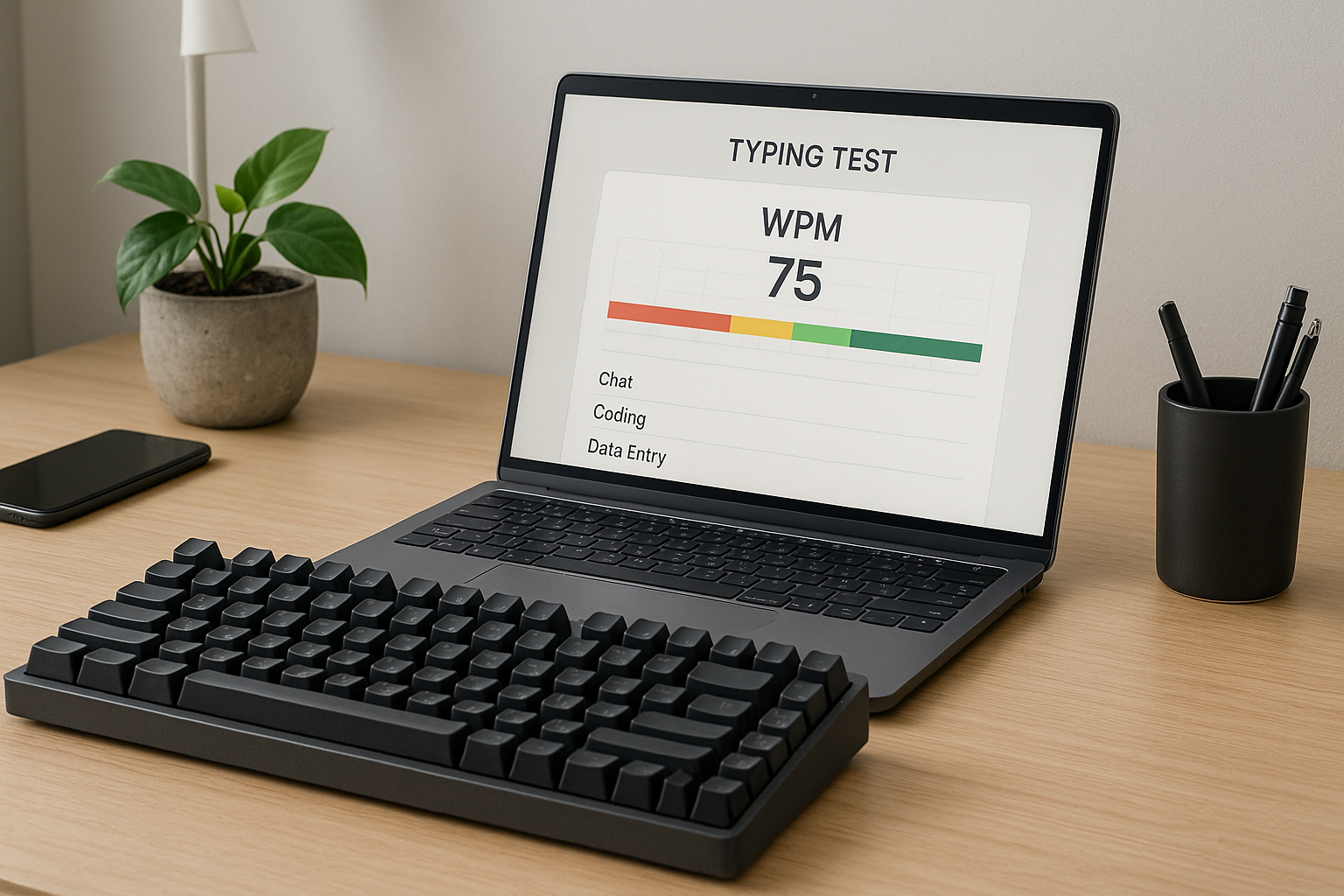
If you benchmark with one generic test format, your score can drift away from real output. Chat writing has short bursts. Coding has symbol transitions and stop start pacing. Data entry has repetitive patterns and high accuracy pressure. One number hides these differences.
This guide gives you a benchmark system you can run in 20 minutes. You will define task specific WPM bands, protect an accuracy floor, and use one weekly review rule to decide what to train next.
For setup stability, use the keyboard typing test warmup protocol. For scoring quality instead of headline speed, pair this with effective WPM tracking. If your trend is flat, run the plateau diagnosis workflow.
# Why one WPM typing test number causes bad training decisions
A single test score combines pace, errors, and correction cost, but without context. That creates false comparisons.
Typical examples:
- You score high on short plain text runs, then slow down in coding sessions with brackets and punctuation.
- You improve burst speed, then lose time fixing errors in longer writing.
- You compare your result to public leaderboards that use different durations and text difficulty.
The speed accuracy tradeoff is established in human motor research. Fitts style models explain why speed pressure increases error risk during fine input tasks (Britannica overview (opens new window)). Motor adaptation work also shows that improvement depends on constrained, repeatable practice conditions (NCBI review (opens new window)).
At the input layer, your keyboard and OS pipeline also influence consistency. Debounce behavior can change repeated key handling (QMK debounce docs (opens new window)), and OS input processing affects event handling details (Microsoft keyboard input docs (opens new window)).
The operational conclusion is simple. Benchmark per task, not in aggregate.
# Define three task profiles before you benchmark
Use these profiles as a fixed template for two weeks.
# Profile 1: chat and messaging
- Text style: short sentences, mixed punctuation, frequent sentence restarts.
- Run format: 6 runs of 45 to 60 seconds.
- Primary metric: median WPM.
- Quality guardrail: minimum 97 percent accuracy.
Chat work rewards fast recovery and steady rhythm. Short delays are visible in real time conversations.
# Profile 2: coding and technical writing
- Text style: symbols, parentheses, mixed case, variable line lengths.
- Run format: 5 runs of 60 seconds plus 2 runs of 120 seconds.
- Primary metric: median effective WPM.
- Quality guardrail: minimum 96 percent accuracy with low symbol error rate.
Coding requires precise transitions. Raw speed is less useful than clean symbol placement.
# Profile 3: data entry and structured input
- Text style: repetitive fields, numbers, delimiters, strict format.
- Run format: 6 runs of 60 seconds.
- Primary metric: median WPM with error count per 100 words.
- Quality guardrail: minimum 98 percent accuracy.
Data entry penalties for mistakes are often high, so accuracy thresholds should be stricter.
# WPM typing test benchmark bands you can adopt immediately
Use this decision table as your initial target map. Adjust after two weeks of your own data.
| Task profile | Starter band | Solid working band | Advanced working band | Accuracy floor |
|---|---|---|---|---|
| Chat and messaging | 45 to 60 WPM | 60 to 75 WPM | 75 to 90 WPM | 97% |
| Coding and technical writing | 35 to 50 WPM | 50 to 65 WPM | 65 to 80 WPM | 96% |
| Data entry and structured input | 40 to 55 WPM | 55 to 70 WPM | 70 to 85 WPM | 98% |
How to use the table:
- Place yourself in the band based on current median, not best run.
- Keep the same run format for 14 days.
- Move up only when median speed rises and accuracy stays above floor.
This avoids chasing short spikes that do not transfer.
# Run a 20 minute weekly benchmark cycle
This cycle keeps noise low and decision quality high.
# Minute 0 to 5: warmup
Use one warmup structure each week. Keep intensity moderate. The goal is to stabilize your first scored run.
# Minute 5 to 14: scored block
Run the profile format for your primary task. Record per run:
- WPM
- accuracy
- visible correction burden (low, medium, high)
- one short note about where errors appeared
Use medians at session end.
# Minute 14 to 18: targeted drill
Choose one bottleneck only:
- repeated punctuation misses,
- hand transition errors,
- inconsistent opening pace,
- late run drop off.
Drill that bottleneck for 4 minutes.
# Minute 18 to 20: transfer check
Write a short real task sample:
- one chat response,
- one code comment block,
- or one structured text entry.
Confirm whether corrections feel lower and rhythm feels stable.
# How to convert benchmark data into next week actions
Use this checklist once per week. If any item fails, hold speed progression.
- [ ] Median WPM improved by at least 1 compared with last week.
- [ ] Accuracy stayed above floor for the task profile.
- [ ] Run spread stayed within 8 WPM.
- [ ] Error pattern changed or shrank after drills.
- [ ] Transfer check felt easier than previous week.
Decision rules:
- If speed rises and quality holds, increase target pace by 1 to 2 WPM.
- If speed rises and quality drops, keep pace and train precision.
- If speed is flat and quality improves, keep drills and recheck next week.
- If both are flat, change one variable only, usually text difficulty or drill type.
For broader run length strategy, see passage length selection. For controlled improvement loops, use the 20 minute fast typing test system.
# Worked example: one typist, three task benchmarks
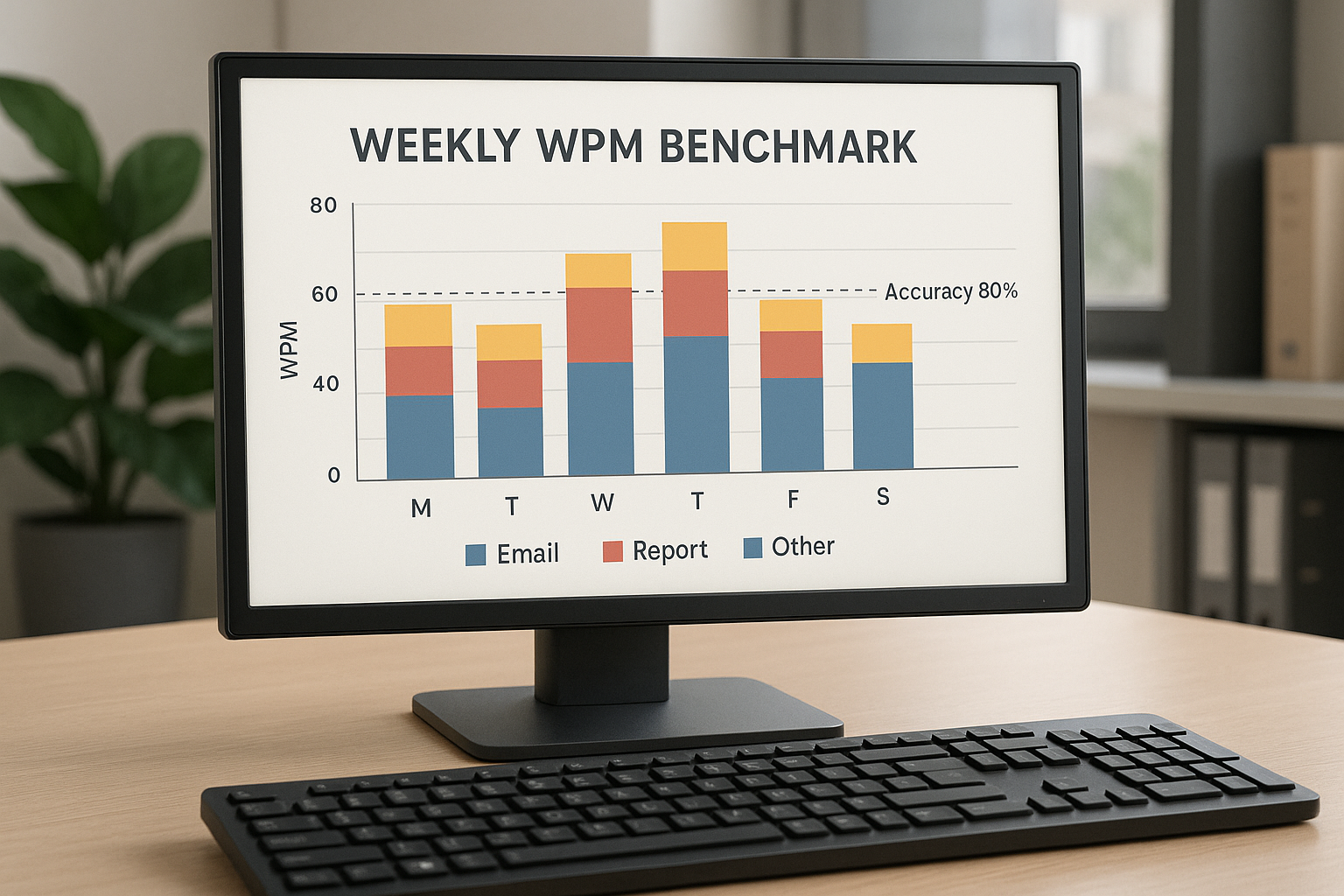
Assume this baseline from week one medians:
- Chat profile: 62 WPM at 97.6 percent
- Coding profile: 51 WPM at 96.4 percent
- Data entry profile: 58 WPM at 98.3 percent
Interpretation:
- Chat is in the solid working band.
- Coding is at the lower edge of the solid working band.
- Data entry is in the solid working band with room to raise pace.
Week two training choices:
- Chat: keep pace, add consistency drills for opening 20 seconds.
- Coding: hold speed target, run symbol transition drills.
- Data entry: increase pace target by 1 WPM while protecting 98 percent floor.
Week three recheck outcomes:
- Chat median moves to 64 with stable accuracy.
- Coding remains 51 but correction burden drops.
- Data entry moves to 60 with stable quality.
This is progress because usable output improved across all three tasks without forcing one universal target.
# Common benchmark mistakes and direct fixes
# Mistake 1: changing format every session
If run length and text style change daily, trend lines become weak.
Fix: lock one format for two weeks.
# Mistake 2: comparing yourself to unmatched contexts
Public scores often come from different durations or easier text pools.
Fix: compare against your profile medians and your own prior weeks.
# Mistake 3: using best run as primary metric
Best runs are volatile.
Fix: use median for decisions and keep best run as a secondary note.
# Mistake 4: raising pace before protecting accuracy floor
This usually increases correction debt.
Fix: keep pace stable until accuracy floor is reliable.
# Mistake 5: ignoring hardware changes in logs
A new keyboard setting can shift results for reasons unrelated to training.
Fix: tag any setup change in your session log and avoid multiple hardware changes in the same week.
If you are tuning hardware variables, these guides can help isolate effects: keyboard debounce time and typing speed and keyboard polling rate for typing speed.
# A reusable session log template for TypeTest users
Keep one row per session:
- date
- task profile
- run format
- median WPM
- median accuracy
- spread (max minus min)
- correction burden tag
- one next action
After 10 to 14 sessions, your data will show whether each task profile is moving into the next benchmark band.
# FAQ
# What is a good WPM typing test score overall
A good score depends on task profile. A coding workflow and a chat workflow need different targets. Use task specific benchmark bands instead of one global number.
# Should I train only my weakest task profile
Train your primary work profile most often, then maintain the others with lower volume. This keeps improvement relevant to your daily output.
# How often should I benchmark
Four to six sessions per week is enough for most people, with one weekly review that sets the next action.
# When should I increase target speed
Increase when median speed improves and accuracy stays above floor for at least one full week in the same format.
A WPM typing test becomes a practical tool when benchmarks match real tasks. Split your testing into profiles, use medians and accuracy floors, and make one weekly adjustment at a time. That produces stable gains you can use in real work.