
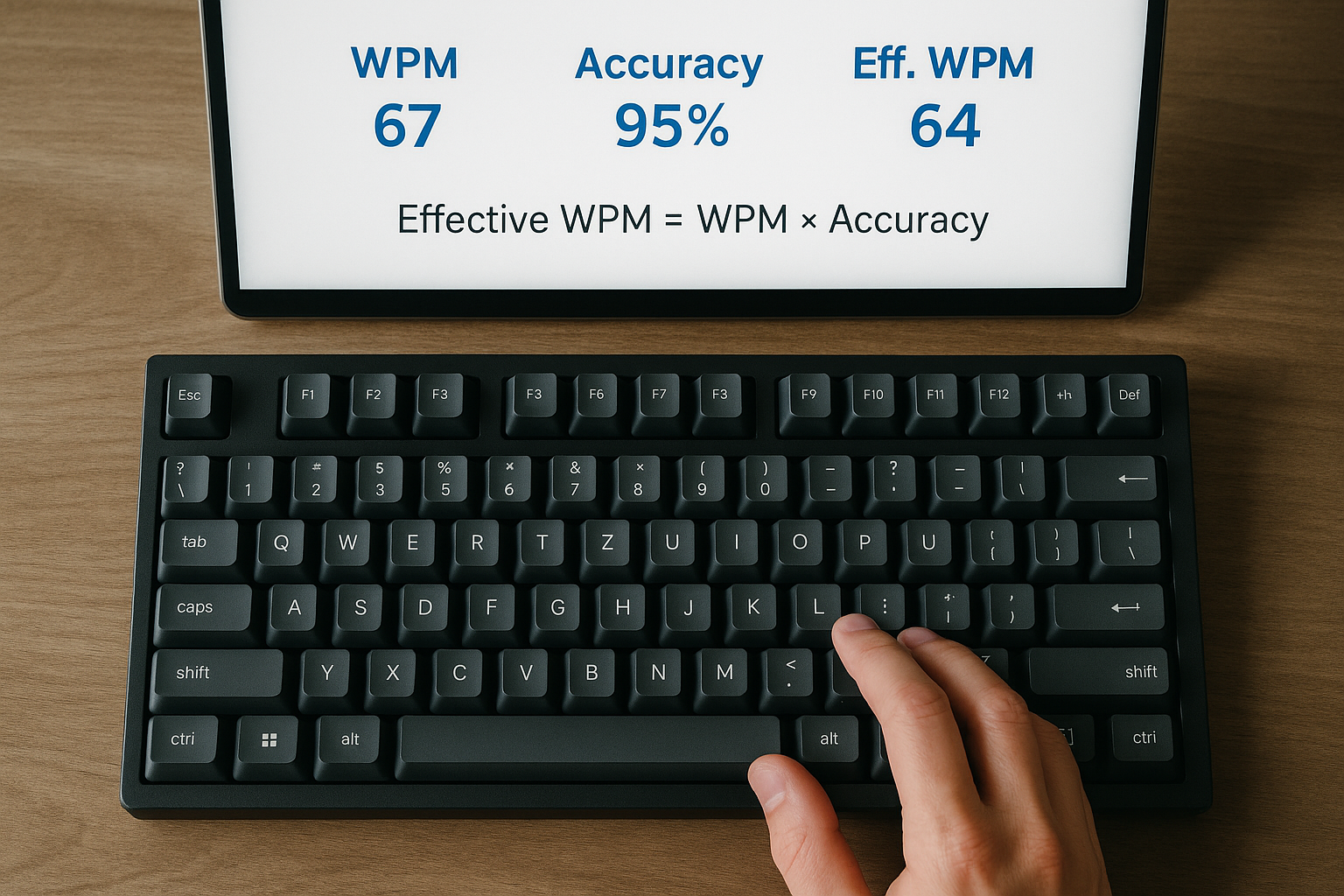
A speed typing test score only becomes useful when it predicts how fast you can produce clean text in real work. The practical method is simple: track raw WPM, accuracy, and correction cost, then convert them into effective WPM. Effective WPM gives you a stable performance signal you can improve week by week.
If your first runs of the day are inconsistent, start with this keyboard typing test warmup protocol. If your trend has stalled, pair this framework with speed type test plateau diagnosis. If you are still deciding which run length to use, set that first with word typing test passage length rules.
# What is effective WPM in a speed typing test
Effective WPM is a corrected speed metric. It estimates how much usable text you produce after accounting for errors and time lost to fixes.
A direct formula you can use in any session log:
Effective WPM = Raw WPM x Accuracy - Correction Penalty
Where:
- Raw WPM is your displayed test speed.
- Accuracy is written as a decimal, so 97 percent becomes 0.97.
- Correction penalty is a small deduction based on heavy backspacing or visible repair bursts.
If your tool does not expose backspace count, you can start with correction penalty set to zero for week one, then add a penalty model from week two onward.
The point of this metric is operational. You can compare sessions without getting fooled by one fast run that required costly cleanup.
# Why raw speed alone misleads your training decisions
Raw WPM over-rewards acceleration and under-prices repair time. That creates two common mistakes.
First, you can increase displayed speed while real writing throughput stays flat.
Second, you can push pace so hard that typo clusters rise, then spend more time correcting than typing.
This is consistent with speed and precision tradeoff research. For a broad reference, review Fitts's law background (opens new window). For motor adaptation context, this NCBI review (opens new window) explains why early gains often slow unless training variables change. For keyboard input timing behavior, Microsoft keyboard input documentation (opens new window) remains a practical baseline.
A speed typing test is still valuable. You just need a metric that aligns with usable output.
# Decision table; which score should drive your weekly plan
Use this table to decide what to track and how to react.
| Metric | What it measures | Main weakness | Best weekly use |
|---|---|---|---|
| Raw WPM | immediate typing pace | ignores repair cost | readiness checks and drill validation |
| Accuracy percent | error control | hides where errors happen | quality guardrail |
| Best run WPM | peak capacity | high variance and selection bias | motivation signal only |
| Median WPM | central session pace | still misses correction burden | primary pace trend |
| Effective WPM | usable output after quality cost | needs simple correction model | main decision metric |
If you only keep one headline number in your notes, use weekly median effective WPM.
# Build a speed typing test scoring model in 20 minutes
This setup is enough for a serious baseline and does not require custom software.
# Step 1; standardize your test block
For seven days, keep these fixed:
- Same keyboard profile.
- Same run length, usually 60 seconds.
- Same session time window.
- Similar text difficulty mix.
- Same warmup routine.
Without control variables, score changes are hard to interpret.
# Step 2; log four core fields for each run
For each scored run, capture:
- raw WPM
- accuracy percent
- correction tag (low, medium, high)
- one short note about pacing
A correction tag is enough at first. You can refine later.
# Step 3; assign a practical correction penalty
Use this starter penalty model per run:
- low correction burden: minus 0.5 WPM
- medium correction burden: minus 1.5 WPM
- high correction burden: minus 3.0 WPM
Then compute effective WPM with the formula above.
# Step 4; use medians, not single highs
At session end, compute median raw WPM and median effective WPM. Use both, then drive training changes from effective WPM.
# Step 5; review weekly trend and choose one intervention
Pick exactly one change for the next week:
- opening pace target,
- precision drill focus,
- text difficulty split,
- session volume.
One change at a time keeps your data readable.
# Worked example; raw speed up, real output flat
Assume two sessions with five runs each.
Session A medians:
- Raw WPM: 78
- Accuracy: 97.4 percent
- Correction penalty: 1.0
- Effective WPM: 78 x 0.974 - 1.0 = 74.97
Session B medians:
- Raw WPM: 81
- Accuracy: 95.8 percent
- Correction penalty: 2.7
- Effective WPM: 81 x 0.958 - 2.7 = 74.90
Headline interpretation:
- Raw speed improved by 3 WPM.
- Effective output stayed flat.
Training decision:
- Keep target pace where it is.
- Run one week of transition precision drills.
- Recheck effective WPM trend before raising pace again.
This avoids chasing display speed while productivity stays unchanged.
# The three most useful speed typing test thresholds
You can run a clean weekly decision system with three thresholds.
# Threshold 1; accuracy floor
Set an accuracy floor you can sustain, usually 96 to 98 percent for intermediate typists.
Rule: if two or more runs in one session drop below floor, reduce next run pace target by 2 WPM.
# Threshold 2; variance ceiling
Track run spread in each session: max WPM minus min WPM.
Rule: if spread is larger than 8 WPM for multiple sessions, prioritize consistency work before speed work.
# Threshold 3; effective gain requirement
Only call it progress when weekly median effective WPM rises by at least 1.0 with stable accuracy.
Rule: if raw rises without effective gain, keep pace constant and reduce correction burden.
These thresholds make your training decisions objective.
# Checklist; common causes of inflated speed typing test scores
Use this before every weekly review.
- [ ] You compared medians, not best runs.
- [ ] You kept one stable run length.
- [ ] You logged accuracy with each run.
- [ ] You tracked correction burden.
- [ ] You did not change keyboard settings mid week.
- [ ] You used similar text difficulty.
- [ ] You ran sessions at similar times.
If several boxes are unchecked, treat this week as noisy data.
# How hardware settings affect effective WPM interpretation
Hardware can change your ceiling and your consistency. It can also create false conclusions if changed too often.
If you test firmware variables such as debounce or polling, apply this control policy:
- Change one hardware variable only.
- Keep training drill structure unchanged.
- Label changed sessions in your log.
- Compare against a clean baseline week.
For debounce behavior details, review QMK debounce documentation (opens new window). For polling context, this keyboard polling rate guide shows a practical test framework.
You should still evaluate hardware changes by effective WPM, not raw peaks.
# A weekly template you can reuse in TypeTest
This schedule balances signal quality and recovery.
# Monday to Friday core block
- 8 minute warmup.
- 5 x 60 second scored runs.
- 6 minute targeted drill on your main error cluster.
- 2 minute transfer note.
# Tuesday and Thursday extension
- Add 2 x 120 second runs.
- Track minute one and minute two pace.
# Saturday review
- Compare weekly medians.
- Record one bottleneck.
- Select one change for next week.
# Sunday
- Recovery or one light session.
This structure maps well to existing TypeTest routines and keeps data comparable across weeks.
# A log format that makes speed typing test reviews fast
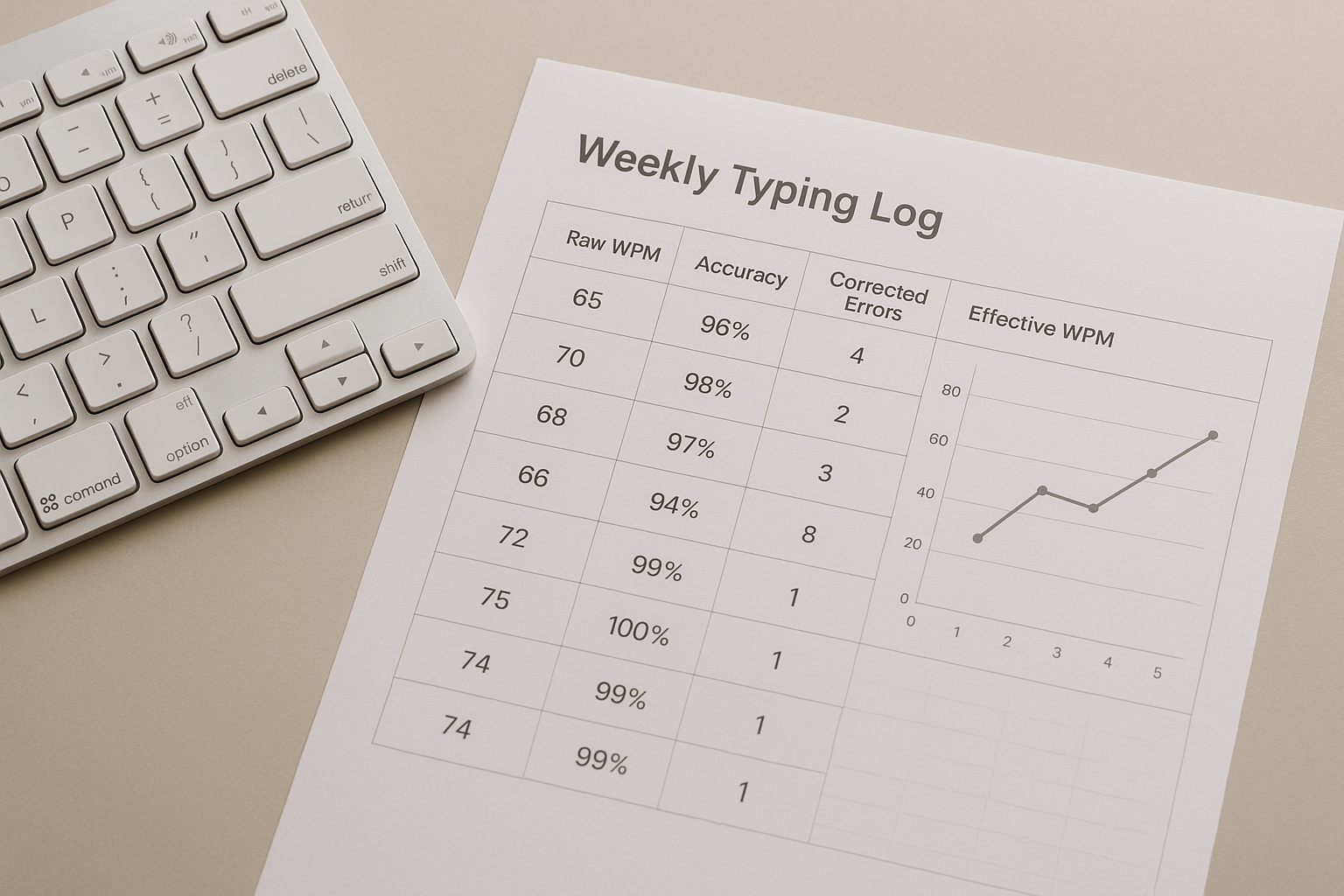
Use one line per session in a sheet or note app:
- date
- run length
- median raw WPM
- median accuracy
- median correction penalty
- median effective WPM
- run spread
- next session action
After ten sessions, you will usually see one of four patterns:
- Raw and effective both rising: continue current progression.
- Raw rising, effective flat: reduce correction burden.
- Raw flat, effective rising: quality gains, then test pace increase.
- Both flat: change training stimulus and rebaseline.
This pattern reading is more useful than looking at isolated daily highs.
# FAQ
# What is a good effective WPM target
A good target is relative to your own baseline. For most typists, a steady gain of 1 to 2 effective WPM per week with stable accuracy is a strong result.
# Should beginners use effective WPM or just raw speed
Beginners can start with raw speed and accuracy in week one. Add effective WPM in week two so training decisions stay grounded in usable output.
# Can I use 15 second runs for effective WPM
You can, but variance is higher. Effective WPM is usually more stable with 60 second runs, then validated with occasional 120 second runs.
# Why did my raw score increase while writing still feels slow
That pattern usually means correction burden rose with pace. Track effective WPM and adjust training toward cleaner transitions before pushing speed higher.
A speed typing test becomes a reliable improvement tool when the score reflects output quality, not just motion speed. Track effective WPM, keep your protocol stable, and make one training change at a time. That is how faster test scores turn into faster real writing.