
A keyboard speed test gives better improvement signals when you split results by hand instead of tracking one global WPM number. The practical method is to run controlled test blocks, tag each error by hand side, and compare recovery cost after left hand and right hand mistakes. If one side has higher error rate or slower restart time, you can target drills to that side and raise usable typing speed without guessing.
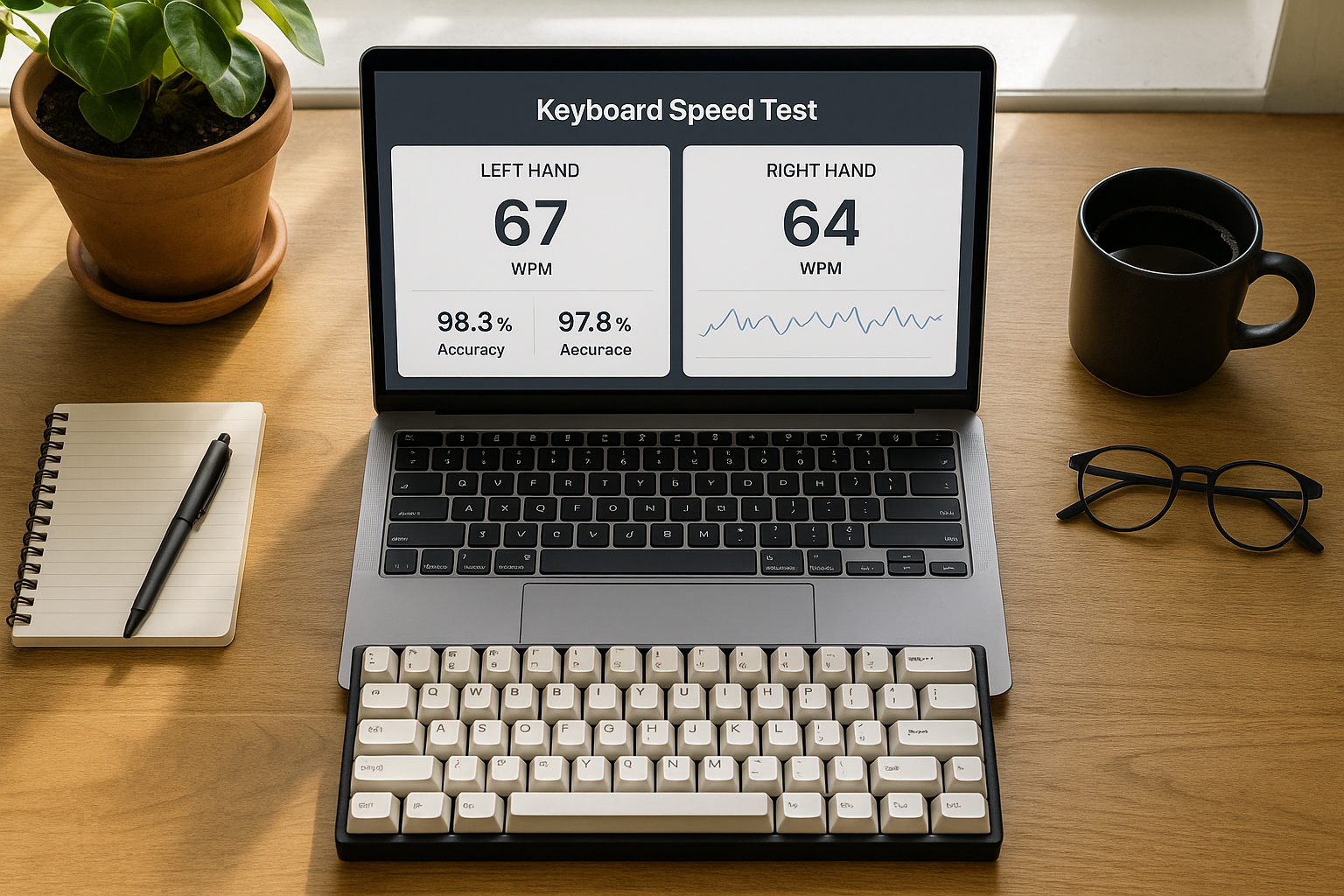
Many typists plateau because their headline score hides an asymmetry. A 70 WPM run can still contain a weak left index finger pattern, a right pinky punctuation slowdown, or an uneven rhythm handoff on alternating bigrams. Split analysis surfaces that structure.
If you have not stabilized your baseline yet, start with Type Speed Test Baseline Routine: Measure Real Progress Before You Train. If your correction stalls dominate your sessions, pair this with Typing Speed Test Error Recovery: The Metric That Predicts Real Writing Throughput. If you compare different run durations, normalize first with Typing Test WPM: Normalize Scores Across Duration and Difficulty.
# Why a split keyboard speed test reveals faster wins
Typing is a bimanual coordination task. Global WPM compresses two control systems into one value. When one side underperforms, your average score stays noisy and your training choices stay generic.
A split keyboard speed test isolates three variables per hand:
- error frequency,
- correction time,
- rhythm reentry speed after corrections.
These variables map better to real output than raw pace alone. Motor learning research consistently shows that asymmetry in timing and precision can limit task throughput even when average movement speed appears adequate (NIH motor control overview (opens new window)). Keyboard performance studies also show that error handling behavior heavily influences net text entry rate (ACM text entry resources (opens new window)).
In practical terms, if left hand events produce longer correction chains, you can keep chasing faster right hand bursts and still see weak transfer to everyday writing.
# What to measure in each keyboard speed test session
You do not need full keylogger telemetry to start. A structured manual log is enough.
Track each 60 second run with these fields:
- total WPM,
- accuracy,
- left hand errors,
- right hand errors,
- left hand recovery seconds,
- right hand recovery seconds,
- brief context note.
From those, compute:
Left Error Rate = left hand errors / total characters
Right Error Rate = right hand errors / total characters
Left Recovery per Error = left hand recovery seconds / left hand errors
Right Recovery per Error = right hand recovery seconds / right hand errors
Hand Imbalance Index = absolute(Left Recovery per Error - Right Recovery per Error)
The imbalance index is your core planning signal. As it drops, your test output usually becomes more stable across passages.
# Decision table for split keyboard speed test data
| Pattern in your logs | Likely bottleneck | First intervention | Review window |
|---|---|---|---|
| Left error rate is higher, recovery difference above 0.6s | Left hand finger precision | Left hand constrained drills at 90 percent pace | 5 sessions |
| Right error rate is higher on punctuation heavy text | Right pinky overload | Punctuation micro blocks with slower cadence | 1 week |
| Error rates similar, left recovery much slower | Left side restart timing | Post correction left lead ramp phrases | 5 sessions |
| Error rates low, imbalance persists only late session | Fatigue asymmetry | Split sessions into shorter blocks and rotate drills | 1 week |
| Imbalance drops but WPM flat | Global cadence cap | Add mixed hand alternation tempo drills | 1 week |
Use one intervention at a time. Multi variable changes make attribution impossible.
# How to tag left and right hand errors quickly
A simple rule set keeps logging sustainable:
- Classify the error by the key that should have been pressed.
- If it is a two key transposition, classify by the first wrong key.
- If uncertain, mark as unknown and exclude from hand metrics.
- Keep unknown rate under 10 percent of all errors.
For touch typing layouts, hand assignments are stable enough for this approach. If you use a custom split layout, keep your assignment map in your notes so labels remain consistent.
A lightweight map for QWERTY examples:
- left hand letters: q w e r t a s d f g z x c v b,
- right hand letters: y u i o p h j k l n m,
- center keys near boundary: assign once and keep fixed.
Consistency matters more than perfect taxonomy.
# A 20 minute split training block you can run daily
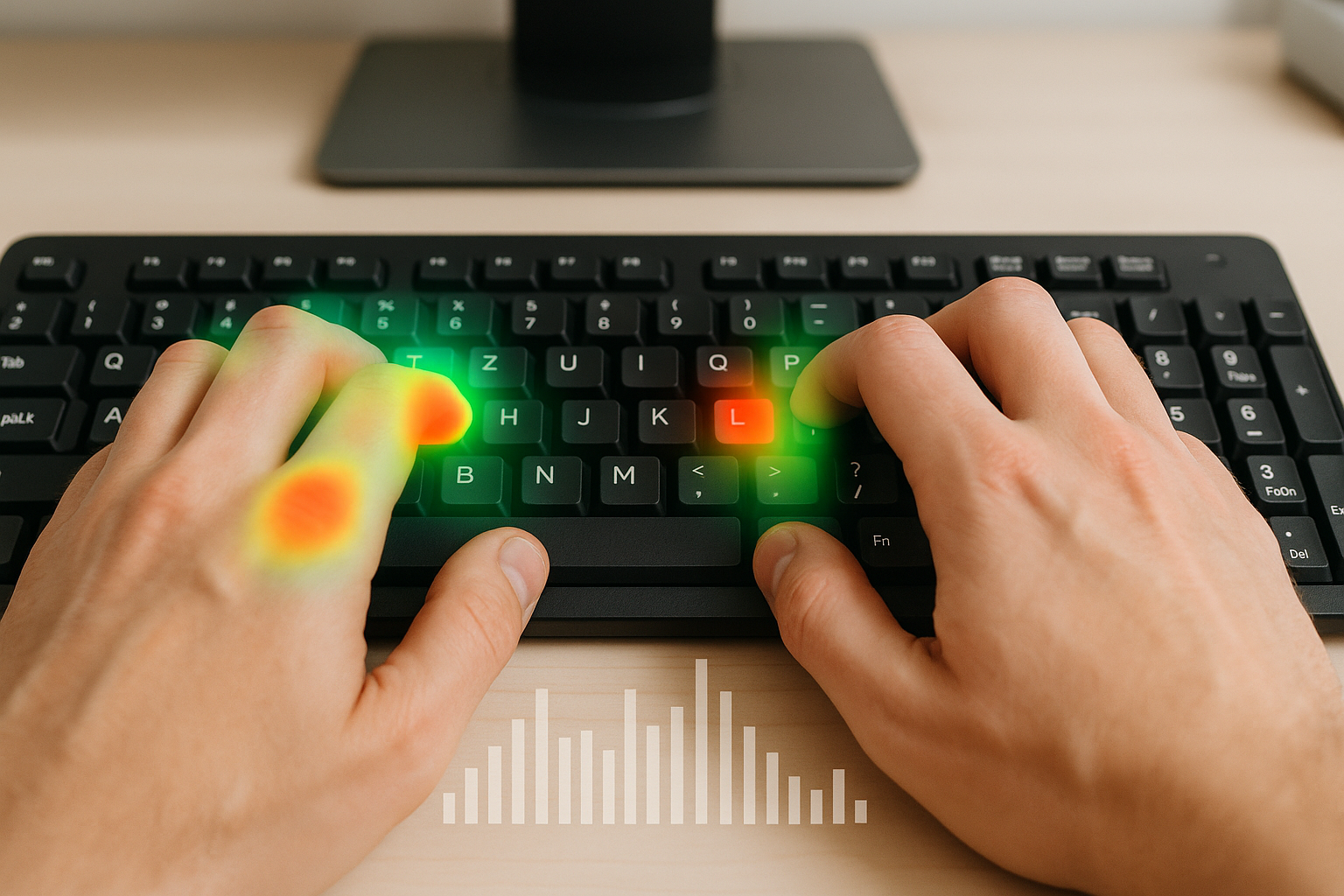
This block is designed for the keyword intent behind keyboard speed test queries. It improves measurable output while preserving accuracy.
# Block 1: calibration runs, 5 minutes
Run two 60 second tests at controlled pace. Log split errors and split recovery time. This gives a same day reference before drills.
# Block 2: weak side precision loop, 7 minutes
Use trigrams and short words that overrepresent the weak side finger group. Keep pace around 90 percent of baseline median. Focus on clean strike timing.
Example left index focused clusters:
- frt, rtf, gtr,
- serve, freight, draft,
- short phrase transitions ending on left index then alternating to right hand.
# Block 3: restart cadence loop, 6 minutes
After each correction event, type a fixed four word ramp. Keep tempo even. The goal is fast rhythm recovery after mistakes, not sprint speed.
# Block 4: post run review, 2 minutes
Log one sentence on where imbalance appeared:
- onset,
- correction,
- restart.
That single note improves next session drill choice.
# Checklist for clean keyboard speed test comparisons
Use this checklist before you interpret trend lines:
- same run duration each decision session,
- same keyboard and layout,
- same text difficulty pool,
- same time block when possible,
- split hand logging completed for each run,
- median metrics reviewed weekly, not single run spikes.
This checklist keeps your split metrics decision grade.
# Worked example with week over week split metrics
Week 1 median values from 21 runs:
- WPM: 66,
- accuracy: 97.2 percent,
- left errors per run: 5,
- right errors per run: 3,
- left recovery per error: 1.9s,
- right recovery per error: 1.2s,
- imbalance index: 0.7s.
Intervention: left side precision loop and restart ramps for five sessions.
Week 2 median values:
- WPM: 68,
- accuracy: 97.4 percent,
- left errors per run: 4,
- right errors per run: 3,
- left recovery per error: 1.5s,
- right recovery per error: 1.2s,
- imbalance index: 0.3s.
The useful shift is imbalance reduction and lower left recovery cost. The WPM gain is smaller than the stability gain, but that stability usually predicts better transfer to real writing.
# How hardware and settings affect hand imbalance
Keyboard hardware can amplify asymmetry. Common causes:
- uneven key feel across columns,
- stabilizer noise on high use keys,
- aggressive debounce on one firmware profile,
- wrist angle that biases one side.
Test hardware changes separately from skill drills:
- Keep your drill protocol fixed for one week.
- Change one hardware or firmware variable.
- Recompare split error rate and split recovery metrics.
For firmware behavior and scan timing options, use official references such as QMK documentation (opens new window). For workstation ergonomics that affect wrist angle and fatigue distribution, use guidance such as OSHA workstation ergonomics (opens new window).
A change is useful when imbalance index improves without accuracy loss. Ignore changes that only improve one best run.
# Common mistakes when running split keyboard speed test analysis
# Mistake 1: chasing total WPM after one strong day
A strong day often reflects passage luck. Keep weekly medians as your decision unit.
# Mistake 2: changing both layout and drill in the same week
You lose causality. Change one variable per review window.
# Mistake 3: logging hand errors but skipping recovery timing
Error count without timing misses the largest throughput cost. Recovery is often the bigger lever.
# Mistake 4: ignoring punctuation and symbol sets
Many right side slowdowns appear in punctuation heavy tasks. Include one punctuation block each week.
# Mistake 5: deleting poor sessions
Keep poor sessions and tag context. Outlier handling belongs in analysis, not in data removal.
# Weekly review format that keeps progress steady
At the end of each week, summarize:
- median WPM,
- median accuracy,
- median left and right error rates,
- median left and right recovery per error,
- hand imbalance index.
Then choose one action only:
- continue same drill,
- switch to opposite side focus,
- add cadence drills if imbalance is already low.
This prevents random plan churn and gives you cleaner trend signals.
A keyboard speed test becomes far more useful when you analyze each hand separately. Split metrics show where speed is leaking, which drills to run, and when a change actually improves usable typing throughput. Track split errors and split recovery each session, keep conditions stable, and make weekly decisions from medians. You will get faster, more reliable progress than global WPM chasing.