
# Keyboard Test IO: What a Rollover Test Shows
A keyboard test IO check tells you whether your keyboard is registering key combinations cleanly. Use it when a score feels random, a shortcut drops one key, or a game movement cluster fails under pressure. If the board is limited to 6KRO, or if ghosting shows up on common combos, a typing score will blame your hands for a hardware problem.
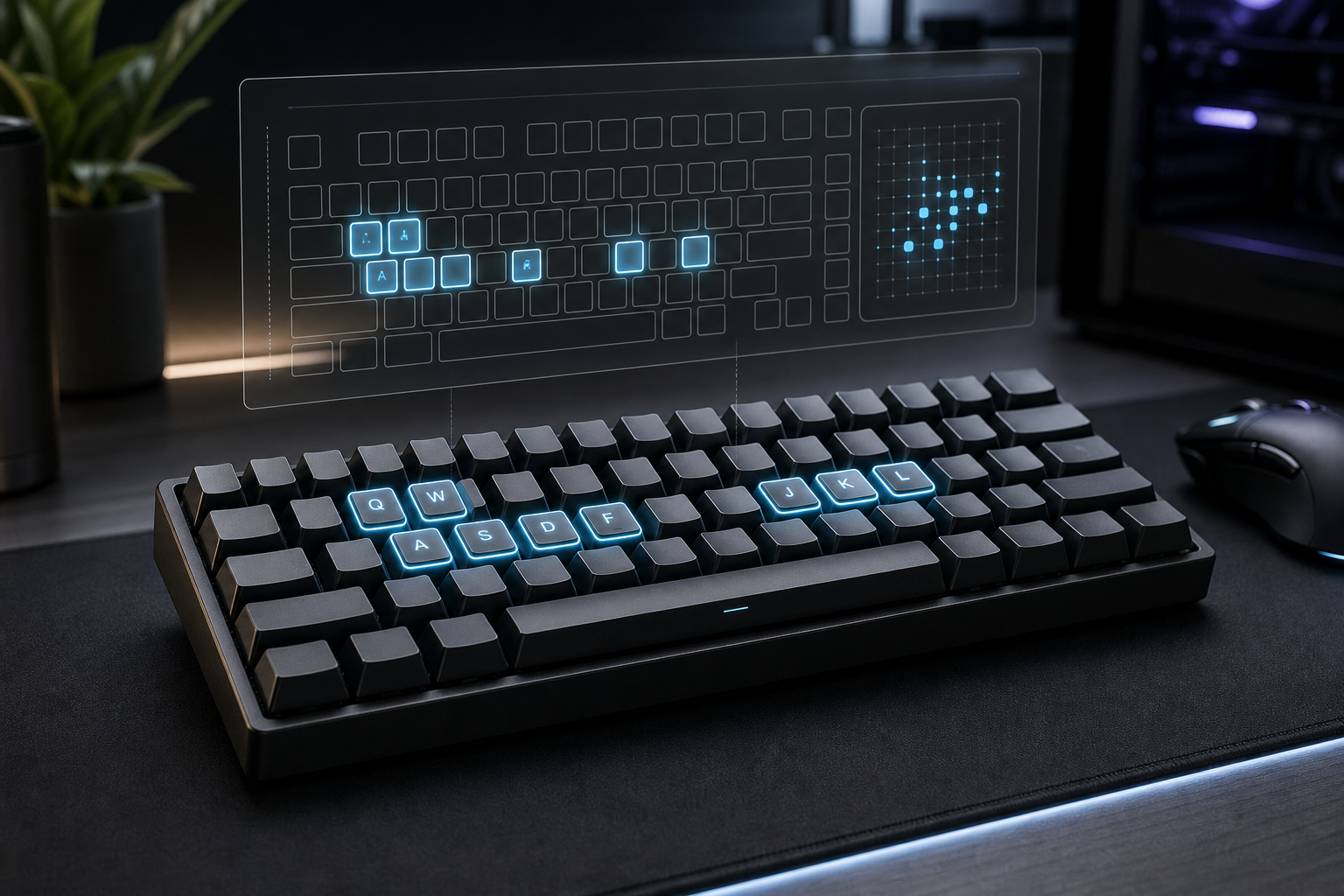
If you want the practical test first, start with KeyboardTest.io Rollover (opens new window), then cross check the same combo on KeyboardTester.uk Ghosting & N Key Rollover Test (opens new window) or the Keyboard Ghosting Tester on KeyboardTest.me (opens new window). The job is simple: find out whether the keyboard is dropping inputs before you start rewriting your technique around a defective signal.
# What a keyboard test IO check actually measures
A rollover test measures simultaneous input handling. That is a different job from a typing test, which measures output speed and usable accuracy. If the input layer fails, the output layer cannot recover the lost characters. The score may still look tidy. The hardware underneath can still be lying.
Three terms matter here.
- Rollover is the number of keys a keyboard can register at once.
- Ghosting is a phantom or missed key event that appears when the keyboard matrix cannot keep up with a combination.
- NKRO means n key rollover. A full NKRO board can register many simultaneous keys without a fixed limit.
Mechanical Keyboard explains the basics well in N Key Rollover explained and how to test it (opens new window). The important point is not the label. It is the behavior. A keyboard that says 6KRO may still handle some larger combinations, but once you know the ceiling, you can stop treating every failed combo as a personal flaw.
That distinction matters because typing problems often get misdiagnosed. A person sees a low WPM score, assumes the passage is hard, then starts practicing around a board that drops modifier combinations. The practice might still help. It will help less than fixing the board first.
# When to run this test instead of another typing round
Run a keyboard test IO check before another typing session when one of these things happens.
- Your movement keys, modifiers, or Enter key fail during fast sequences.
- A shortcut works in one app and fails in another.
- You notice one hand feels fine while the other seems to miss more often.
- A game or editor drops input only when you combine several keys.
- Your typing score changes a lot when you switch boards, even though the passage stays the same.
That last point is the trap. A typing score can hide a hardware problem by turning every miss into a speed number. The score still moves. The problem just moves with it.
Use this quick comparison to decide what you are testing.
| Problem | Best test | What you learn |
|---|---|---|
| A shortcut misses one key | Keyboard rollover test | Whether the keyboard is dropping combinations |
| Speed feels lower on one board | Typing test | Whether the board changes real output |
| The cursor feels laggy | Latency test | Whether the signal path is slow |
| The first minute feels sloppy | Warm up or setup check | Whether the issue is rhythm or posture |
| Numbers feel harder than prose | 10 key typing test | Whether the keypad or top row is the bottleneck |
If the keyboard test fails, move immediately to hardware or keybinding changes. If it passes, then a typing test can tell you something useful. The order matters. Otherwise you spend a week practicing around a faulty signal.
# Run a fair 2 minute rollover check
A fair test is short, repeatable, and boring in the useful sense. The goal is not to impress the tool. The goal is to expose a repeatable limit.
- Use the same keyboard and connection mode for every attempt.
- Close other typing tabs so the wrong page does not grab focus.
- Test the combos that matter in real life first, such as WASD, Shift plus movement, Ctrl plus Alt plus Delete, or your normal shortcut cluster.
- Press the same combo more than once. One clean run proves very little. A repeatable run proves the limit is real.
- Record the maximum simultaneous keys and the first combo that fails.
- Repeat the test in another browser if the result looks suspicious.
If you want a second opinion, use ABC Tester NKRO (opens new window) as a cross check. It exposes a full keyboard matrix and makes simultaneous key limits easy to see. That matters if your board behaves differently when you add function rows or numpad keys.
The practical version is this. Test the common combos you actually use, not every decorative key on the board. A board that passes one weird chord and fails your main shortcut is still a problem.
# How to read the result without overthinking it
A rollover test usually resolves into a small set of outcomes. The table below keeps the interpretation tight.
| Result | Likely cause | What to do next |
|---|---|---|
| 6KRO limit appears quickly | Firmware or USB boot mode limit | Retest in a different mode or use another board for heavy shortcut work |
| One common combo fails while others pass | Matrix conflict or ghosting pocket | Remap the keys or avoid that chord in fast work |
| All common combos pass | The board is probably fine | Move on to typing speed, accuracy, or latency work |
| Result changes between browsers | Web page focus or browser handling issue | Retest on a second site and confirm the board behavior |
| Result changes with cable versus Bluetooth | Connection mode change | Treat the connection as part of the input path, not a footnote |
If the board is Bluetooth and the test feels slower than expected, check the connection path before you blame rollover alone. A keyboard can be perfectly willing and still feel sluggish because the signal chain is doing too much work.
This is where the Keyboard Speed Test Settings: Tune Polling, Debounce, and Repeat Delay for Real WPM post helps. A rollover test tells you whether the keys arrive. A latency test tells you how long they take to show up.
# What to change next if the board fails
A failed test does not mean the keyboard belongs in a drawer. It means the board has a constraint and you should work around it deliberately.
- Remap the bad combo. If a specific chord fails, change the shortcut or the game bind before you change the whole setup.
- Use the board in the mode it likes. Some devices behave better in one connection mode than another.
- Move heavy shortcut work to a different keyboard. If the board is fine for prose but weak for simultaneous input, keep it for writing and move the shortcut work elsewhere.
- Retest after the change. A fix that only feels better is a guess. A fix that passes the same test is a result.
- If the problem persists, compare models. The Mechanical Keyboard key rollover test (opens new window) is useful when you want one more cross check before buying another board.
A lot of people jump straight to a new keyboard. That can be fine, but only after you know what failed. Otherwise you replace a known failure with a fresh unknown.
# Where this fits in a typing routine
A rollover check is the first step in a clean typing routine, not the last. It answers a narrow question: do the keys arrive together when you ask them to?
After that, move in this order.
- Run the hardware check.
- If it passes, fix posture and board placement with the Type Speed Test Keyboard Setup: Build Stable WPM You Can Reproduce guide.
- If the board still feels inconsistent, use the Keyboard Typing Test Accessibility Settings: A Practical Calibration Guide to remove avoidable friction.
- Once the input path is stable, move to a normal benchmark such as the Mechanical Keyboard Typing Test: Find the Setup That Fits Your Hands.
- If you still see odd drops on modifier-heavy shortcuts, return to the Keyboard Ghosting Test: Find Rollover Limits That Reduce Real WPM post and check the specific chord again.
That order keeps the diagnosis honest. Hardware first. Setup second. Typing score last.
# Why this test changes how you read WPM
A WPM score looks precise. It can still hide a board that drops one key in a three key chord. That is one reason people over trust a single score and under trust the signal chain.
If your test passes, you know the keyboard is at least capable of the combinations you care about. That gives a typing score more meaning. If the test fails, the WPM number becomes a mixed message. Part skill, part hardware, part luck.
That is also why a rollover test is useful before buying a new keyboard. You get a practical answer instead of a romantic one. Some boards are comfortable and slow. Some are fast and awkward. Some are good at prose and poor at shortcuts. The rollover result tells you where the compromise sits.
For people who use their board for work, that matters more than a spec sheet. Shortcut reliability, keypad behavior, and modifier handling shape the day more than a marketing line about speed.
# When to stop testing and just change the setup
Stop testing when the same failure keeps appearing and the fix is obvious.
If one shortcut always drops, remap it.
If one connection mode always feels worse, stop using it.
If a board passes the check and still feels bad, move on to posture, latency, or device choice.
The point of a keyboard test IO check is not to collect screenshots. It is to identify the smallest change that makes the input path reliable.
# Conclusion
A keyboard test IO check tells you whether your keyboard is registering simultaneous key presses cleanly. Use it before you blame your hands, before you change your practice plan, and before you buy another keyboard. If rollover fails, fix the hardware path first. If it passes, move on to typing speed, latency, or setup.
The useful workflow is plain. Test the keys. Read the limit. Change one thing. Test again. That is enough to separate a bad keyboard from a bad day, and it saves you from training around a problem the keyboard created in the first place.