
A WPM typing test score can move up or down by several points even when your underlying skill stays the same. Confidence intervals solve this by showing the range where your true performance likely sits, based on repeated runs. If your new score band overlaps last week, you are likely seeing normal variance. If the bands separate with stable accuracy, your improvement is likely real.
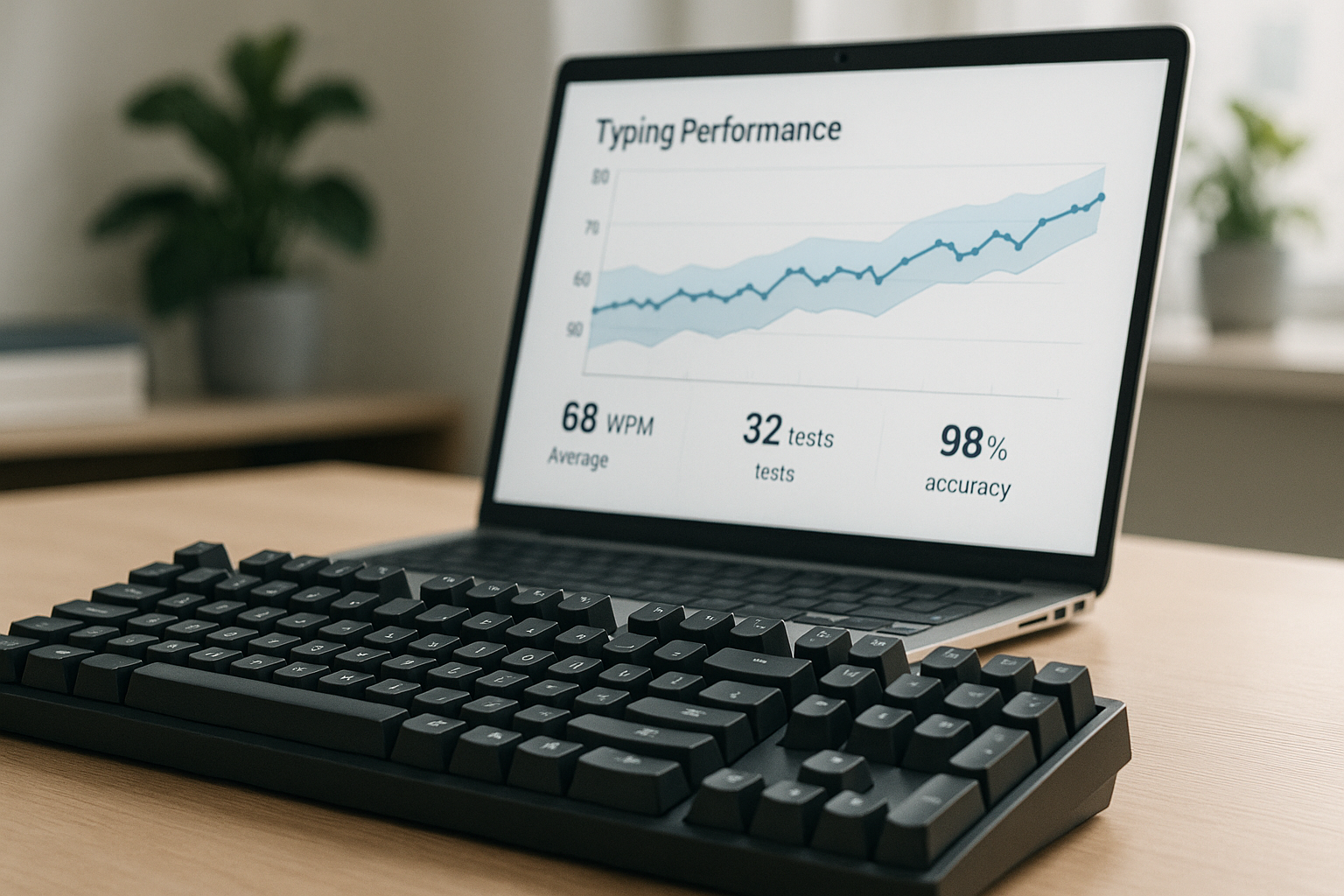
Most typing practice plans fail at one step: they treat single runs as hard evidence. That creates false wins, false plateaus, and poor training decisions. A confidence interval workflow gives you a simple statistical gate before you change goals, drills, or hardware.
If you need clean setup control before this method, start with the keyboard typing test warmup protocol. If your scores swing by test length and text difficulty, normalize first with typing test WPM normalization. If you need practical goal ranges by work type, pair this with WPM benchmarks by task.
# What confidence intervals mean in a WPM typing test
A confidence interval is a range around your average score. In plain terms, it estimates where your true typing level sits after accounting for random run to run noise.
In a WPM typing test context, noise usually comes from:
- passage luck, where one text is easier than another,
- warmup quality,
- attention shifts,
- fatigue,
- correction strategy changes.
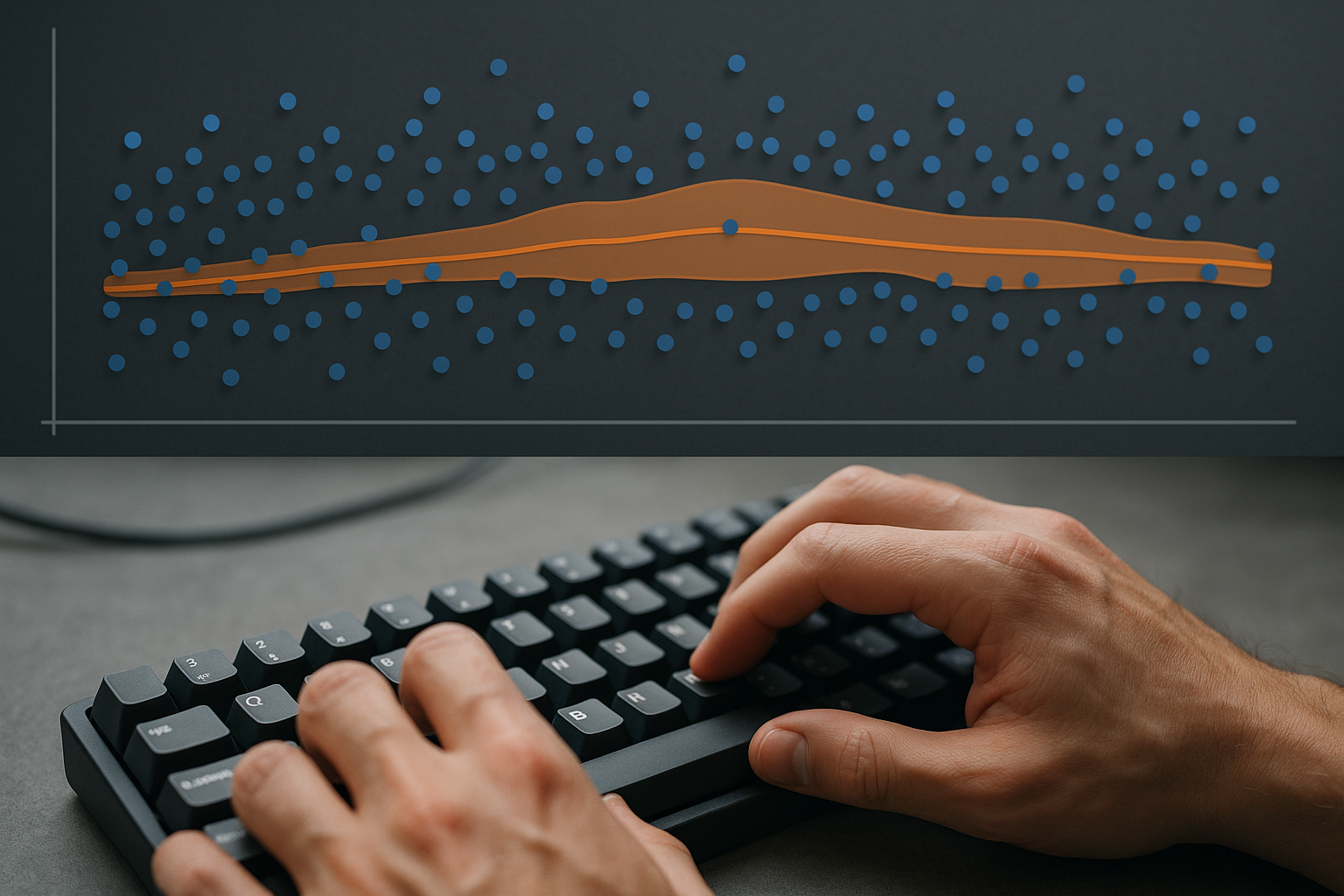
With repeated tests under similar conditions, you can estimate your average WPM and the uncertainty around that average. Wider intervals mean less certainty. Narrower intervals mean your measured pace is stable enough for decisions.
The statistical foundation is standard sampling theory used in performance measurement across many domains (NIST confidence interval guide (opens new window)). The practical interpretation is simple: do not react to point scores without interval context.
# Why single run gains often disappear
Suppose you scored 74 WPM today after averaging 69 WPM last week. That looks like a 5 WPM jump. It can still be noise.
If your weekly interval last week was 69 plus or minus 3, and today belongs to a new interval around 71 plus or minus 3, those ranges overlap. Overlap means your observed jump is not strong enough evidence for a true shift yet.
This is common in short duration tests where burst speed dominates. It is also common when users switch text pools or pacing strategy mid week. You can reduce this problem by standardizing your runs and requiring interval separation before raising targets.
For motor control tasks, speed variability under time pressure is expected and measurable (Fitts law overview (opens new window)). Keyboard input systems also introduce timing behavior that can affect rhythm and repeated key handling in edge cases (Microsoft keyboard input model (opens new window)).
# Minimum data you need before intervals are useful
You do not need advanced tooling. You need consistent sampling.
Use this baseline data rule:
- At least 12 runs in one week.
- Same duration for decision runs, usually 60 seconds.
- Same keyboard and layout.
- Mixed text difficulty held consistent across the week.
- Accuracy logged for every run.
Twelve runs gives a workable first estimate. Twenty or more runs improves reliability.
If your workflow currently mixes 15 second and 60 second runs in the same decision set, split them into separate datasets. Different durations measure different capacities. Combining them inflates variance and blurs signal.
# Decision table: when a WPM gain is real enough to act on
| Observation across two weekly windows | Interpretation | Action |
|---|---|---|
| Intervals overlap heavily and accuracy unchanged | No strong evidence of improvement yet | Keep current target, continue same drills |
| Intervals barely overlap and accuracy improved | Emerging improvement signal | Hold plan for one more week, then reassess |
| Intervals are clearly separated and accuracy stable | Likely true pace gain | Raise center target by 1 WPM |
| Intervals separated but accuracy dropped | Faster output with higher error cost | Keep target, add precision block before any increase |
| Interval width increased sharply | Measurement quality degraded | Re standardize test conditions before making changes |
This table prevents overreaction and reduces plan churn.
# Step by step method to compute a simple interval
You can do this in a spreadsheet in five minutes.
# Step 1: collect weekly WPM runs
Example dataset from 12 runs:
66, 67, 68, 69, 69, 70, 70, 71, 71, 72, 73, 74
# Step 2: compute mean and standard deviation
For this set:
- mean WPM is about 70.0
- standard deviation is about 2.4
# Step 3: compute standard error
Standard error equals standard deviation divided by square root of number of runs.
- SE = 2.4 / sqrt(12) ≈ 0.69
# Step 4: compute a 95 percent interval
A simple approximation uses 1.96 multiplied by standard error.
- margin ≈ 1.35
- interval ≈ 68.65 to 71.35
Now compare that interval with last week. If last week was 67.2 to 69.8, overlap exists around 68.65 to 69.8. Improvement is plausible but not fully separated yet.
# Step 5: add an accuracy gate
Only accept pace improvement if median accuracy remains above your floor threshold.
Suggested floors:
- general writing: 97 percent,
- code or symbol heavy input: 96 percent with explicit symbol checks,
- structured entry: 98 percent.
Without this gate, you can raise WPM while lowering real output quality.
# How to use intervals for daily and weekly decisions
A WPM typing test interval is most useful when tied to concrete rules.
# Daily rule
Do not modify your plan from one day of data. Log runs only.
# Weekly rule
At the end of each week:
- compute interval,
- compute median accuracy,
- review error pattern notes,
- compare against previous week.
Then decide one of three outcomes:
- maintain,
- increase by 1 WPM,
- stabilize with precision work.
This keeps progression predictable and reduces emotional reactions to single run highs or lows.
# Common mistakes that break interval quality
# Mistake 1: changing too many variables in one week
If you change keyboard, switch type, test duration, and text source together, your interval reflects a mixed system. You cannot isolate what caused change.
Fix: change one variable at a time for one full week.
# Mistake 2: including outlier sessions without notes
A sleep deprived late night session can widen interval width and hide progress.
Fix: keep a short context tag for each block, then analyze with and without obvious outliers.
# Mistake 3: ignoring correction behavior
Two weeks can show identical WPM intervals with very different correction loads.
Fix: track backspace density or correction burden category and review alongside interval movement.
# Mistake 4: using only easy passages
Intervals may look tight while transfer to real writing remains weak.
Fix: keep a mixed text pool and run weekly transfer checks.
# A practical 14 day protocol using confidence intervals
Days 1 to 3:
- Run 4 standardized tests per day.
- Record WPM, accuracy, correction burden.
Days 4 to 7:
- Keep same run format.
- Add one short precision drill after each session.
- Compute week 1 interval.
Days 8 to 10:
- Continue same conditions.
- Add two transfer blocks from real work tasks.
Days 11 to 14:
- Finish second week run set.
- Compute week 2 interval.
- Compare overlap and apply decision table.
Expected outcome is not dramatic daily movement. Expected outcome is cleaner evidence for whether your training strategy works.
# Integrating intervals with hardware testing
If you test keyboard settings such as debounce, actuation, or polling rate, intervals prevent false upgrade conclusions.
Use this pattern:
- Run one week with current setup.
- Capture interval and accuracy baseline.
- Change one hardware variable.
- Run another week under same text and schedule.
- Compare intervals plus correction burden.
If intervals overlap heavily, the hardware change did not produce clear typing output benefit in your context. If intervals separate and correction burden holds or improves, the change likely helped.
For firmware level behavior and scan handling details, reference your board firmware docs such as QMK debounce configuration (QMK debounce documentation (opens new window)). This helps you design cleaner tests and avoid chasing placebo effects.
# Template you can reuse every week
Create a simple log template:
- date,
- run count,
- mean WPM,
- standard deviation,
- 95 percent interval,
- median accuracy,
- correction burden pattern,
- decision for next week.
After four weeks, review trend quality:
- interval center trend,
- interval width trend,
- accuracy stability,
- transfer block behavior.
The combination tells you whether gains are real, repeatable, and useful in actual writing.
A WPM typing test is a better training tool when you treat uncertainty as part of measurement. Confidence intervals turn noisy scores into decision grade signals. Apply standardized runs, compare weekly intervals, and gate changes with accuracy. You will make fewer false adjustments and keep improvements that transfer beyond the test screen.