
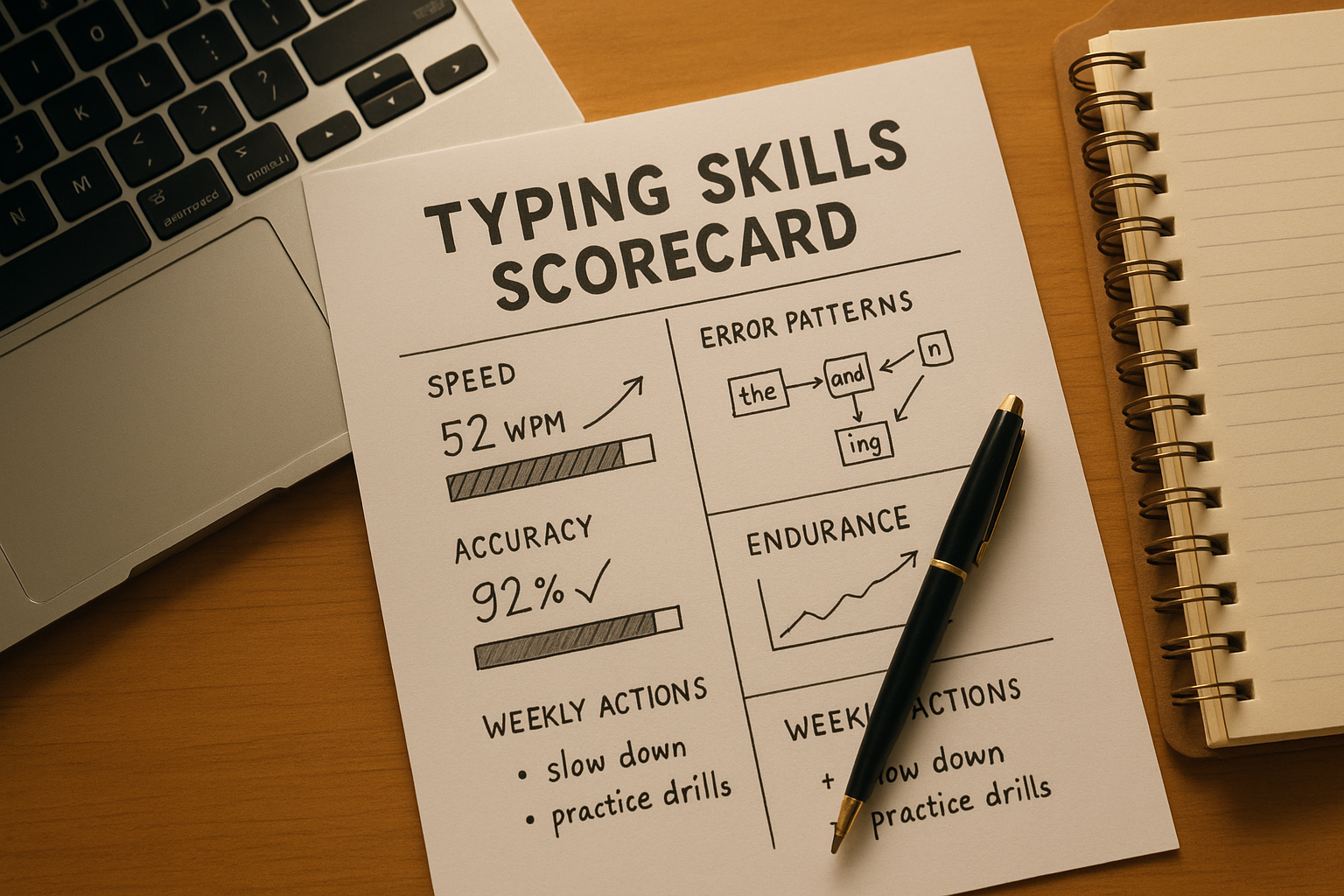
To test your typing skills in a way that improves real output, track four metrics together: median WPM, median accuracy, run consistency, and recurring error patterns. This scorecard method turns random test attempts into a weekly system that shows what to train next.
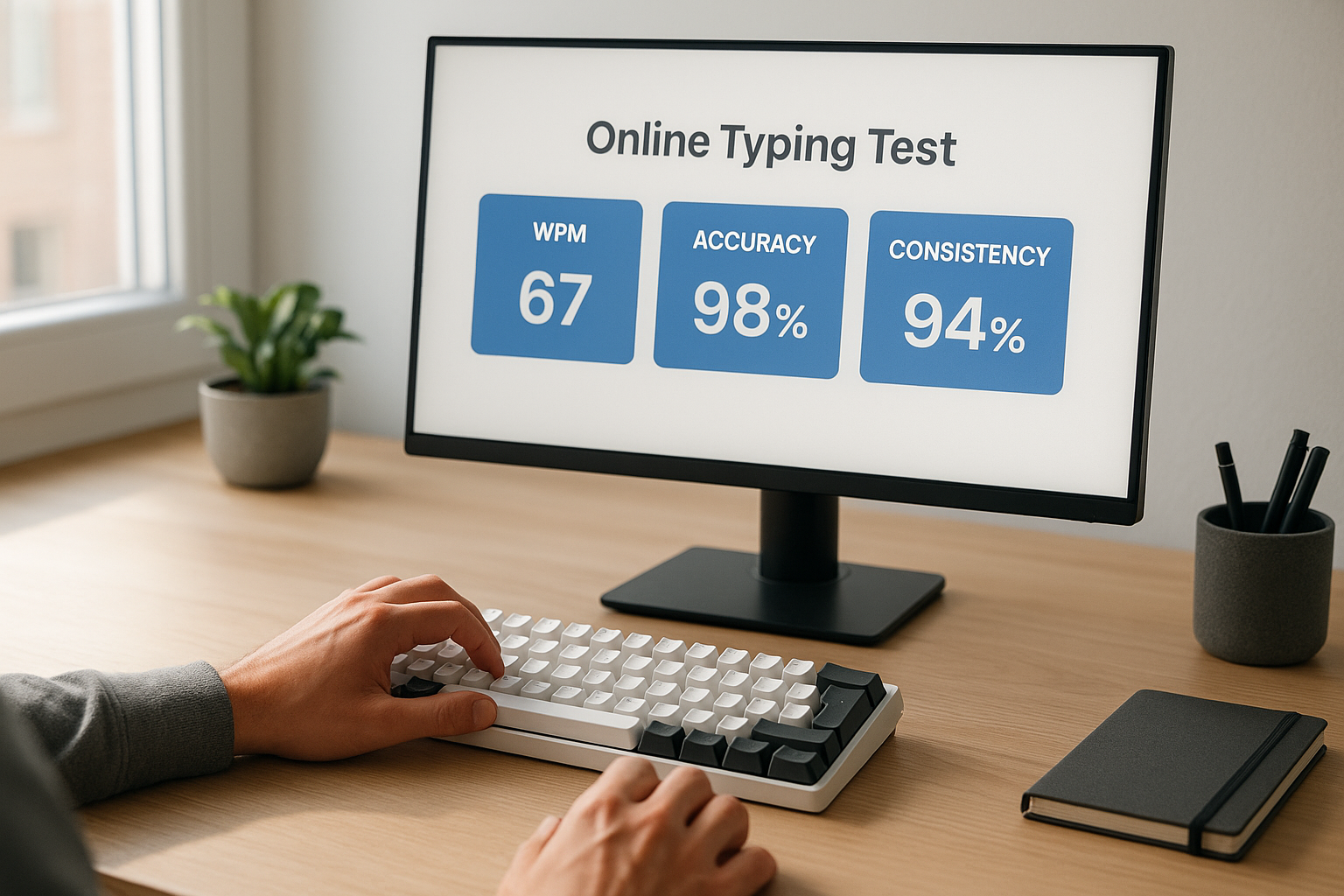
Most typing tests show a single headline speed number. That number is useful, but incomplete. If you only chase top speed, you can improve one short burst while day to day writing stays flat. A scorecard solves that by measuring both pace and control.
If your first runs are unstable, start with this keyboard typing test warmup protocol. If your trend has stalled, use speed type test plateau diagnosis. If you are still choosing test duration, check word typing test passage length guidance.
# Why a single WPM score hides your actual typing skill
Typing skill includes speed, precision, and repeatability. A single best run only captures one point in that system.
Common failure pattern:
- One very fast run with lower accuracy.
- Several slower cleanup heavy runs.
- Progress judged by the one fast number.
This creates a training mismatch. You optimize for screenshots instead of usable text throughput.
The speed accuracy tradeoff is well documented in motor performance research. A quick baseline explanation is available in Fitts's law references (opens new window). For motor learning adaptation and plateau behavior, review this NCBI overview (opens new window). For low level keyboard input timing context, Microsoft keyboard input documentation (opens new window) remains a practical technical reference.
Your typing test workflow should reflect that evidence. Measure more than one signal, then make one targeted change at a time.
# The typing skills scorecard framework
Use one scorecard per session. Keep it simple enough to complete in under two minutes.
# Core metrics to log
- Median WPM from your scored runs.
- Median accuracy percentage.
- Consistency spread calculated as highest run WPM minus lowest run WPM.
- Error pattern tag such as letter swaps, dropped punctuation, or hand transition misses.
- Session note with one sentence only.
# Decision table for weekly interpretation
| Scorecard signal | What it means | Primary risk | Next action |
|---|---|---|---|
| Median WPM up, accuracy stable | clean speed gain | overconfidence and volume spike | keep same plan for one more week |
| Median WPM up, accuracy down | unstable speed gain | correction debt in real writing | reduce target pace by 2 WPM |
| Median WPM flat, accuracy up | control gain | stagnation if pace never increases | add one controlled pace progression block |
| Wide consistency spread | variable readiness or pacing | noisy data and false conclusions | standardize warmup and run order |
| Repeating error tag | identifiable bottleneck | wasted broad practice | run focused transition drill |
This table gives you direct decisions. You can run it every Saturday in five minutes.
# How to run a reliable session when you test your typing skills
A reliable session removes avoidable noise.
# Step 1: lock your test conditions
For each seven day block, keep these fixed:
- keyboard and firmware settings,
- run length, usually 60 seconds,
- browser zoom and layout,
- session window time,
- warmup structure.
If you change hardware variables, compare against dedicated baseline weeks. For firmware side behavior, QMK debounce documentation (opens new window) explains common debounce models.
# Step 2: use a repeatable run sequence
Recommended daily sequence:
- warmup for 6 to 8 minutes,
- five scored 60 second runs,
- one focused six minute drill,
- one short transfer note.
This structure keeps load manageable while generating enough data for interpretation.
# Step 3: compute medians, then assign one action
At session end, compute median WPM and median accuracy. Add spread and error tag. Then pick one action for the next session.
Do not select multiple actions. Training noise grows when you change pacing, drill type, and setup at the same time.
# Scorecard thresholds that improve decisions fast
You can run your full training loop with three thresholds.
# Accuracy floor
Set a minimum accuracy threshold you can sustain, often 96 to 98 percent for intermediate typists.
Rule:
- If two or more runs drop below floor, reduce next session pace target by 2 WPM.
# Consistency ceiling
Set a spread ceiling, for example 8 WPM across five runs.
Rule:
- If spread exceeds ceiling in multiple sessions, prioritize consistency drills before speed progression.
# Weekly progress requirement
Define real progress as median WPM increase with stable accuracy and stable spread.
Rule:
- If speed rises while quality or consistency worsens, treat week as unstable and hold progression.
These thresholds keep your plan objective.
# A complete example scorecard and what to do next
Assume this five run session:
- WPM: 73, 77, 75, 70, 76
- Accuracy: 97.9, 96.8, 97.4, 95.9, 96.9
- Error pattern: dropped punctuation near sentence transitions
Derived scorecard:
- Median WPM: 75
- Median accuracy: 96.9
- Spread: 7
- Dominant error: punctuation transitions
Interpretation:
- Pace is acceptable.
- Accuracy is close to floor.
- Spread is within ceiling.
- Bottleneck is specific and trainable.
Next session action:
- Keep pace target fixed.
- Run six minute punctuation transition drill.
- Recheck if dominant error tag changes.
This is how a typing scorecard turns raw numbers into a useful next step.
# Weekly review checklist for skill growth
Use this checklist once per week.
- [ ] I used the same run length for benchmark sessions.
- [ ] I tracked median WPM, not best run only.
- [ ] I tracked median accuracy each session.
- [ ] I recorded consistency spread.
- [ ] I tagged one recurring error pattern.
- [ ] I made only one primary training change this week.
- [ ] I validated gains with a short transfer writing task.
If more than two boxes are unchecked, treat the week as low confidence data.
# What to practice based on your scorecard pattern
# Pattern 1: speed rises, error cluster grows
Symptoms:
- rising median WPM,
- recurring typo pattern in same transitions,
- late run correction bursts.
Practice focus:
- lower opening pace slightly,
- run short precision drills for target transitions,
- restore clean rhythm before next progression.
# Pattern 2: accuracy high, speed flat
Symptoms:
- stable high accuracy,
- little movement in median WPM,
- low spread.
Practice focus:
- add controlled pace ladders,
- increase target by 1 WPM per block,
- stop when accuracy floor is breached.
# Pattern 3: high variance day to day
Symptoms:
- large spread,
- unstable first run performance,
- unpredictable medians.
Practice focus:
- tighten warmup routine,
- standardize session time,
- reduce session volume for three days,
- rebuild consistency first.
For deeper strategies on conversion from speed to usable throughput, review speed typing test effective WPM and fast typing test training system.
# How this scorecard maps to real writing work
A useful typing test process should improve output in messages, docs, and coding notes. Add one transfer checkpoint after each session.
Transfer checkpoint method:
- Write 100 to 150 words of normal prose.
- Record whether correction bursts feel lower.
- Record whether pacing stays stable through punctuation.
- Compare with previous week notes.
When scorecard metrics improve and transfer notes improve, training is aligned. When they diverge, adjust drills toward the transfer bottleneck.
# Common setup mistakes when you test your typing skills
# Changing too many variables at once
If you change keyboard profile, run length, and drill type in one week, trend interpretation becomes unreliable.
Fix:
- one variable change per week maximum.
# Comparing different text difficulty without labeling
Difficulty changes can shift both WPM and accuracy.
Fix:
- label run difficulty,
- keep benchmark passages in the same difficulty range.
# Treating one peak run as proof of progress
Peak runs are emotionally satisfying and statistically noisy.
Fix:
- report medians first,
- store best run as secondary signal only.
# Ignoring correction burden in review
If correction effort rises, practical throughput can drop even as top speed rises.
Fix:
- include error tag and transfer note in every scorecard.
# A 14 day plan to implement the scorecard
# Days 1 to 3: baseline block
- lock setup,
- collect five run sessions,
- avoid any progression changes.
# Days 4 to 10: one bottleneck cycle
- identify dominant error pattern,
- apply one drill focus only,
- keep benchmark structure unchanged.
# Days 11 to 14: validation block
- compare median WPM and accuracy against baseline,
- verify spread trend,
- verify transfer writing notes.
At day 14, choose next cycle focus using your decision table.
If you want role based performance targets, this guide on typing speed for job applications gives concrete benchmark ranges.
# FAQ
# How often should I test my typing skills
Four to six sessions per week is enough for measurable changes in most learners. Consistent schedule quality matters more than occasional long sessions.
# Is high accuracy more important than high WPM
For practical writing output, stable high accuracy with steady speed progression is the more durable path. The scorecard helps you balance both.
# Should I include 15 second tests in this scorecard
Use 15 second runs as readiness checks or micro drill validation. Use 60 second medians as the core benchmark signal.
# What is the fastest way to improve scorecard results
Fix consistency first. Standardized setup, repeatable warmup, and one bottleneck drill per cycle usually produce the cleanest progress.
When you test your typing skills with a scorecard, each session produces usable evidence. You stop guessing, choose better drills, and convert typing test gains into faster, cleaner writing work.